


 NuGet
NuGet
Sample projects on GitHub
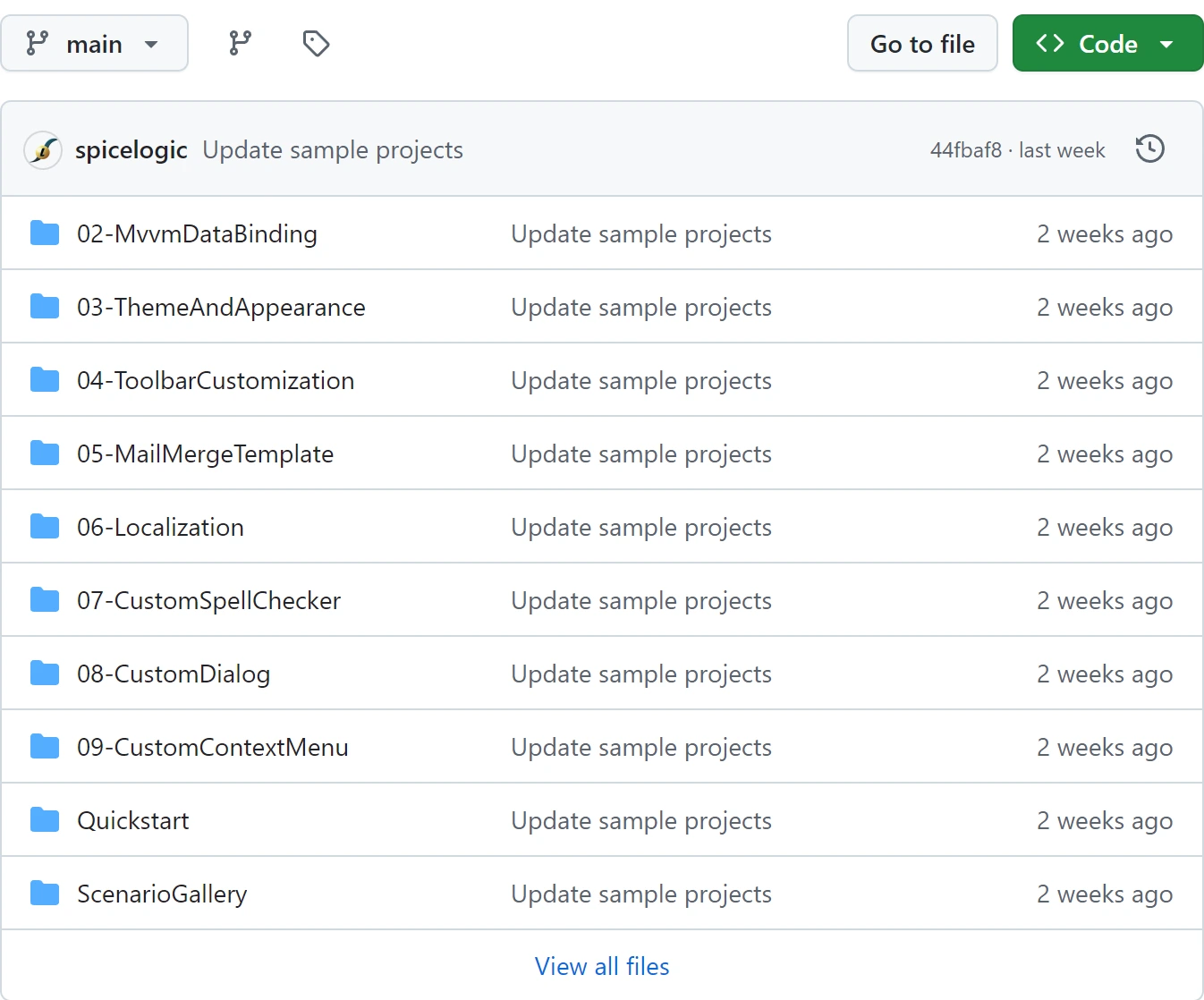
Clone the Avalonia HTML Editor samples on GitHub to start with a runnable application. Quickstart hosts one editor; ScenarioGallery demonstrates binding, content export, selection, tables, templates, customization and appearance.
Build with .NET SDK 9.0.300 or newer, with SDK 10 recommended. The projects target .NET 8 and use Avalonia 12.1.4; Windows requires Microsoft Edge WebView2.
Restore and run
Run one application at a time. Open AvaloniaHtmlEditorSamples.sln in Visual Studio or Rider, or use the terminal from the cloned repository root.
git clone https://github.com/spicelogic/avalonia-html-editor-control-samples.git
cd avalonia-html-editor-control-samples
dotnet build AvaloniaHtmlEditorSamples.sln
dotnet run --project Quickstart/Quickstart.csproj
Choose an example
- Quickstart: complete startup, readiness, document load, current HTML export and disposal.
- MVVM data binding: two-way HTML binding and explicit Source apply/discard.
- Theme and appearance: application Light/Dark, toolbar icon sizes and separate document defaults.
- Toolbar customization: stock Save overrides and application commands.
- Mail merge templates: field insertion and literal value replacement.
- Localization: editor language and independent dictionary selection.
- Custom spell checker: application vocabulary and bundled dictionaries.
- Custom dialogs: fresh typed factories and nested color dialogs.
- Custom context menu: commands based on selection and read-only state.
- ScenarioGallery: HTML/XHTML/XML exports, unsent email, dictionaries, templates and customization in one host.
Use the same package as your application
Directory.Build.props records the package version used by a checkout. Retain it when reproducing that checkout, or update it deliberately and rebuild the full solution. Do not mix sample code from a newer source branch with an older package.
An editor must attach to a visible owner before you await Ready. Set a purchased Avalonia license key before creating controls. The sample code is MIT licensed; the editor has its own commercial license. Preparing an email creates an unsent message; the examples do not deliver mail.
When company policy blocks GitHub
Use the developer archive on the product download page for a standalone demo and its bundled package feed. Follow GETTING-STARTED.md in that archive; it has a different layout from the ten-project repository. On Windows, open the trusted downloaded archive's Properties, select Unblock if available, then extract it. Install WebView2 separately. Cloning the repository remains the normal starting point for all ten examples.
From the extracted archive root, restore only from the bundled feed, then run the standalone demo without another restore:
dotnet restore demo/AvaloniaHtmlEditorDemo.csproj --configfile NuGet.offline.config
dotnet run --project demo/AvaloniaHtmlEditorDemo.csproj --no-restore
Offline restore also needs the .NET framework packs for the SDK on the target machine. The archive includes those used for its build. If your SDK requires different packs, prepare them while online before moving the application to an offline machine.