


 NuGet
NuGet
Design, source and preview
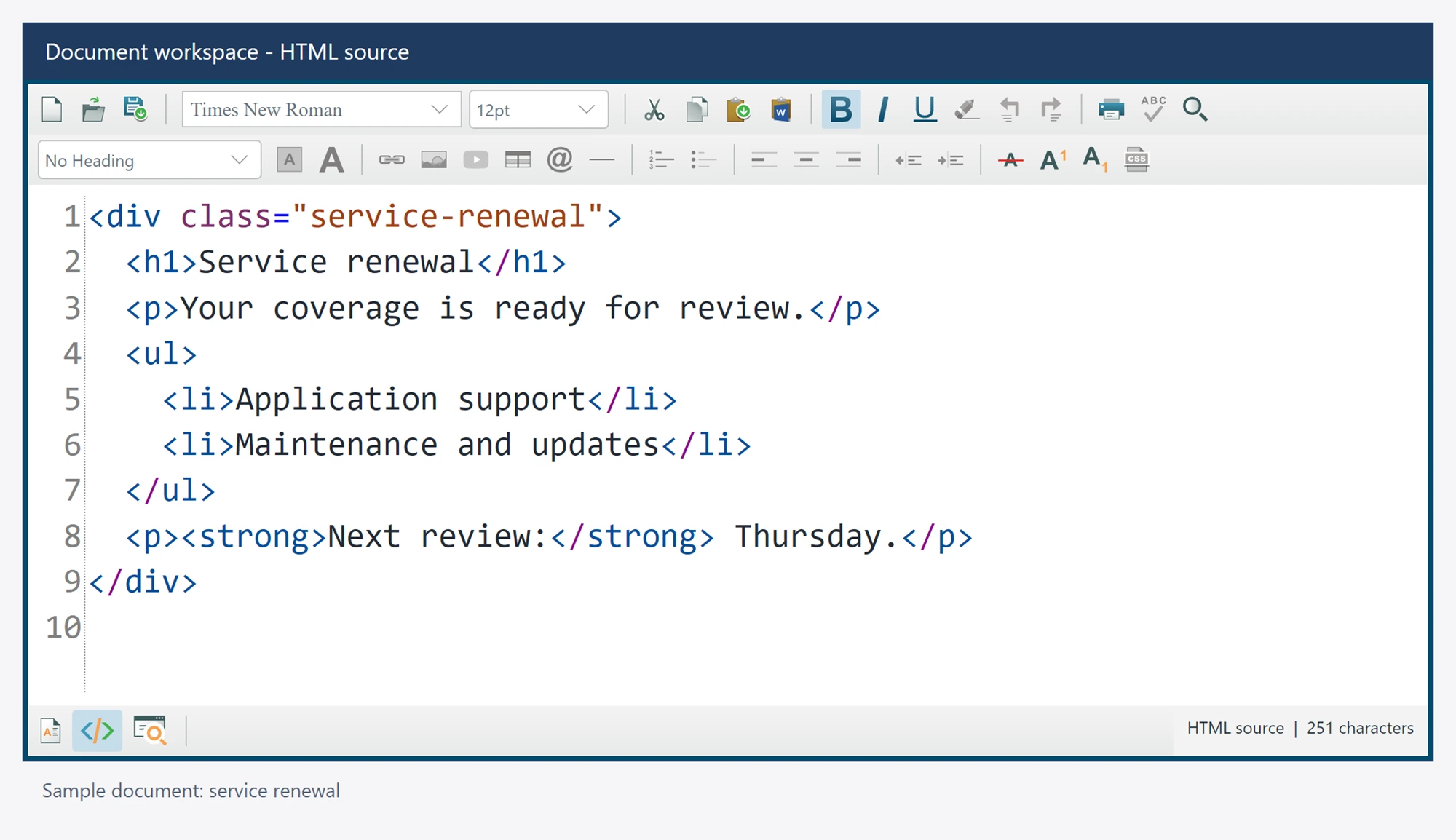
Use design mode for visual authoring, source mode for HTML editing and preview mode to read the rendered document.
using SpiceLogic.HtmlEditor.Abstractions;
await editor.SetEditorModeAsync(EditorModes.HtmlEdit);
// The user edits the source view.
await editor.SetEditorModeAsync(EditorModes.WysiwygDesign);
await editor.SetEditorModeAsync(EditorModes.ReadOnlyPreview);
Apply or discard source changes
Leaving source mode and exporting content first apply the pending source draft. Applying the draft checks the current document identity. A failed or stale apply retains the draft. Characters typed during an asynchronous apply remain visible and dirty; apply the remaining draft explicitly rather than losing them.
CancelSourceEdits() discards the current source draft after pending work settles. Selection and caret operations address the visible Source draft. The six inline tag formatting commands also edit that draft in its own undo history; other formatting requires editable Design.
Selection and search
Mode transitions map the actual selected content to source offsets and back when the selected segment survives sanitization. Unmappable or stale selections are declined rather than assigned invented offsets. Image display transport is excluded from the authored source.
var found = await editor.Search.FindNextAsync("renewal", matchCase: false, wholeWord: true);
var replaced = await editor.Search.ReplaceCurrentAsync("renewal", "extension", wholeWord: true);
Find next/previous do not wrap automatically. Replace current only replaces an exact selected match. Source replacements remain in the draft and use its undo history until source is applied.
Source keyboard and display
Source Undo and Redo operate on the visible draft. Source search and replacement retain original UTF-16 offsets and do not silently apply the document. Document zoom and source font size affect presentation rather than adding style declarations to saved content.
Source presentation
Options.FormatHtmlSource defaults to true and uses the shared two-space formatter. Options.DefaultHtmlType defaults to body-only Source; applying it retains the accepted head. Opening formatted Source does not change accepted HTML or add undo history. Source lines wrap to the viewport by default. Customize the raw source editor through GetTheRawHtmlTextEditor(); its wrapping is independent of document WordWrap.