


 NuGet
NuGet
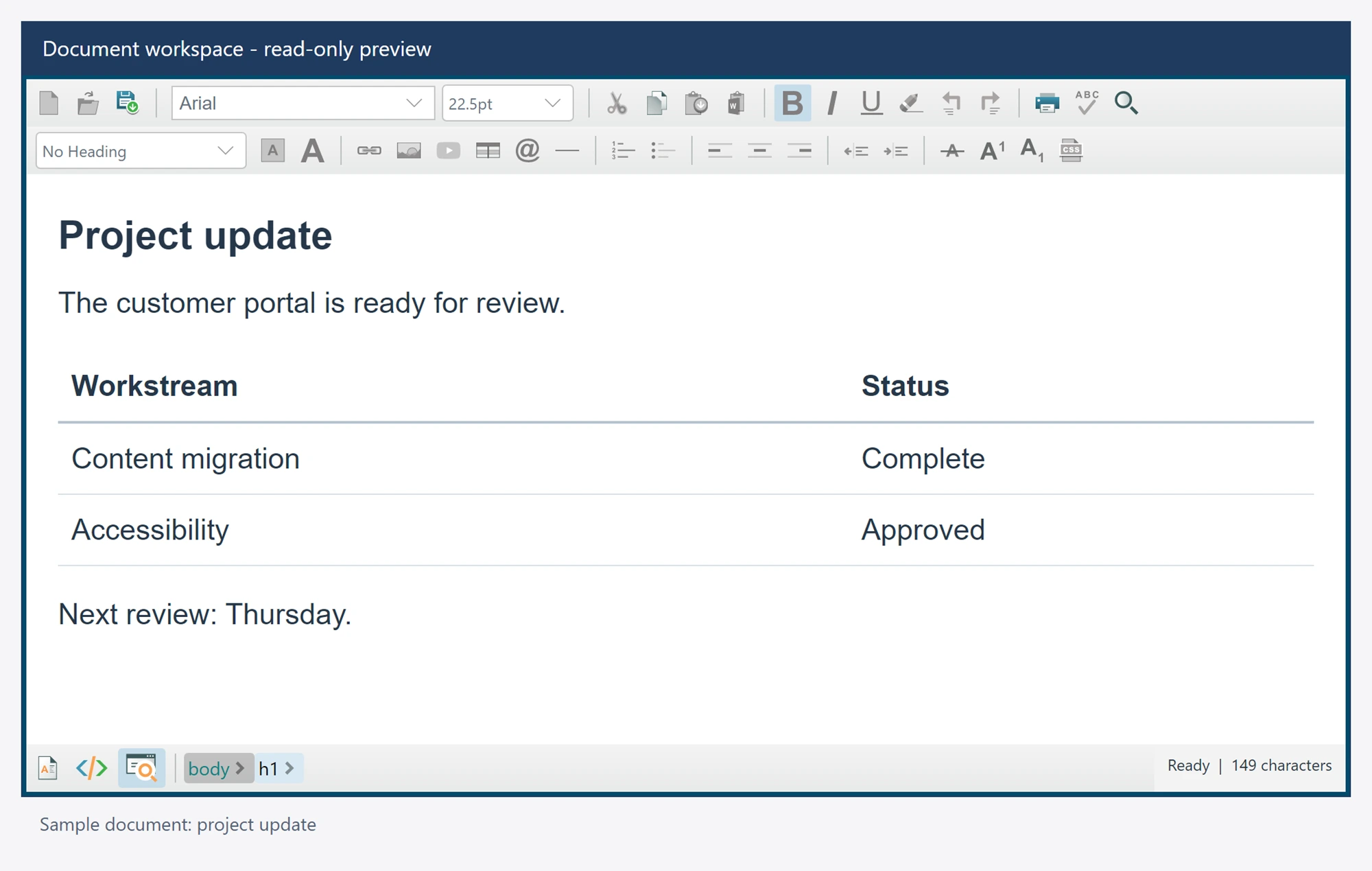
Read-only and preview modes
Use IsReadOnly to prevent document mutations while retaining reading and selection workflows. Preview turns visual editing off and renders the accepted content.
editor.IsReadOnly = true;
await editor.SetEditorModeAsync(EditorModes.ReadOnlyPreview);
Copy and selection commands remain available where the rendered document supports them. Mutating toolbar and context-menu commands are disabled, and editing operations reject read-only or incompatible modes. A custom button should await the corresponding operation and handle rejection rather than force an edit.
Link activation raises LinkClicked for application policy. Do not assume that loading a document authorizes opening every address or enabling external resources.
Preserve reading workflows
Read-only and preview continue to allow supported selection, copying and search. Replacing text, changing formatting and accepting authoring property changes require an editable design document. Custom toolbar and menu handlers must respect those same operation guards.