


 NuGet
NuGet
High-DPI scaling, px and pt
Treat Windows display scaling, editor document zoom and authored CSS units as separate settings. They affect different parts of the visual and saved result.
Native vector toolbar artwork scales with the control; a saved CSS pixel or point remains a document measurement.
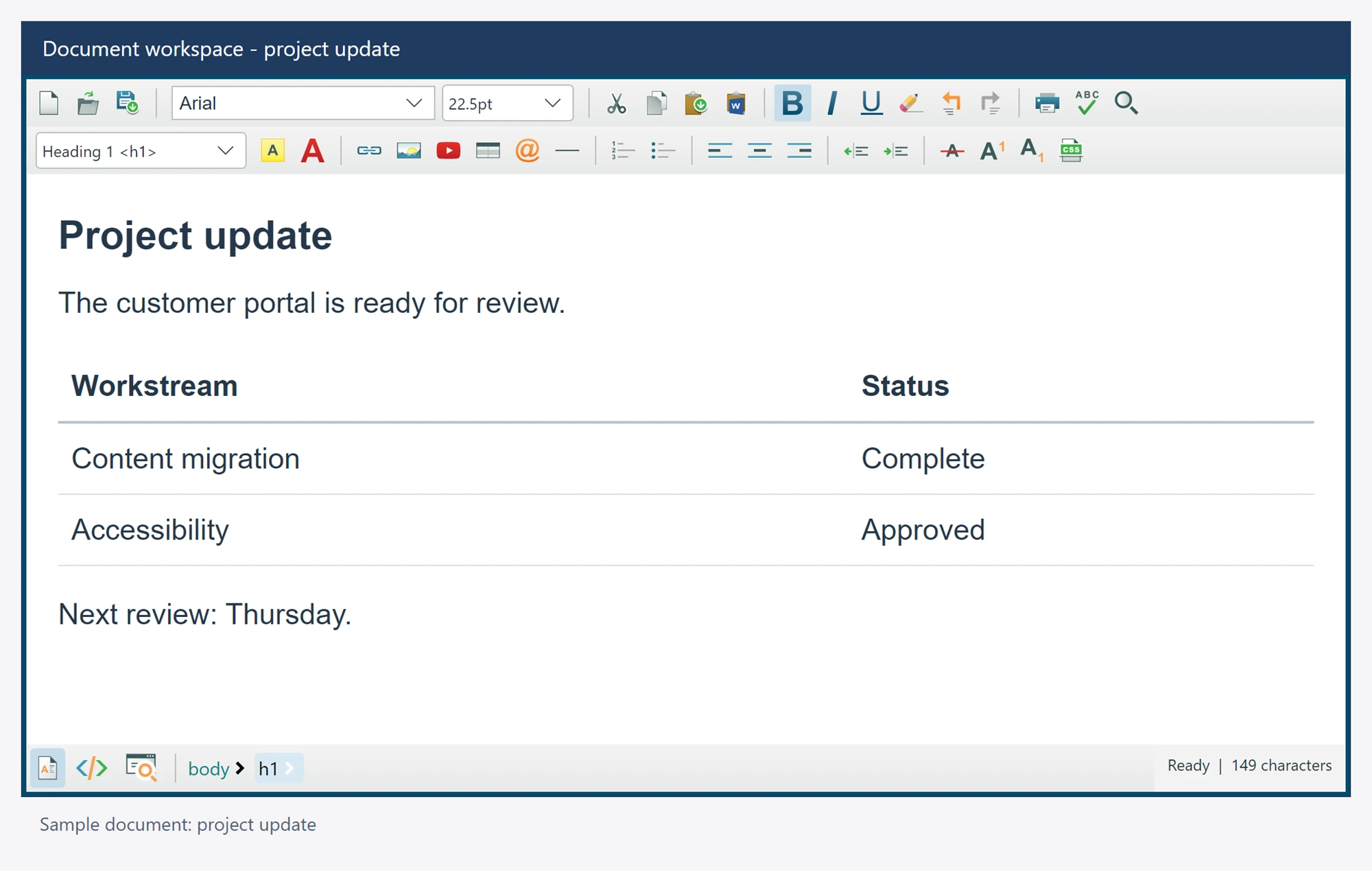
Use it in your application
Keep the host application DPI-aware and test the display scales used by your customers. Change document zoom separately when reviewing document layout.
ZoomFactor uses a percentage from 25 through 500; 100 is normal zoom. Await SetZoomFactorAsync when your workflow needs browser acknowledgment. SourceEditorFontSize is the unscaled source font size; displayed Source text also includes document zoom. Zoom does not change authored HTML or undo history.
Choose font units and image dimensions deliberately. Inspect exported markup when the result will be rendered in email or another browser.
await editor.SetZoomFactorAsync(100);
editor.DefaultFontSizeInPt = 11;
editor.Options.UseInlineStyleForImageDimensions = true;