


 NuGet
NuGet
Customize native toolbars
Keep the commands your workflow needs and connect them to your application's own document actions.
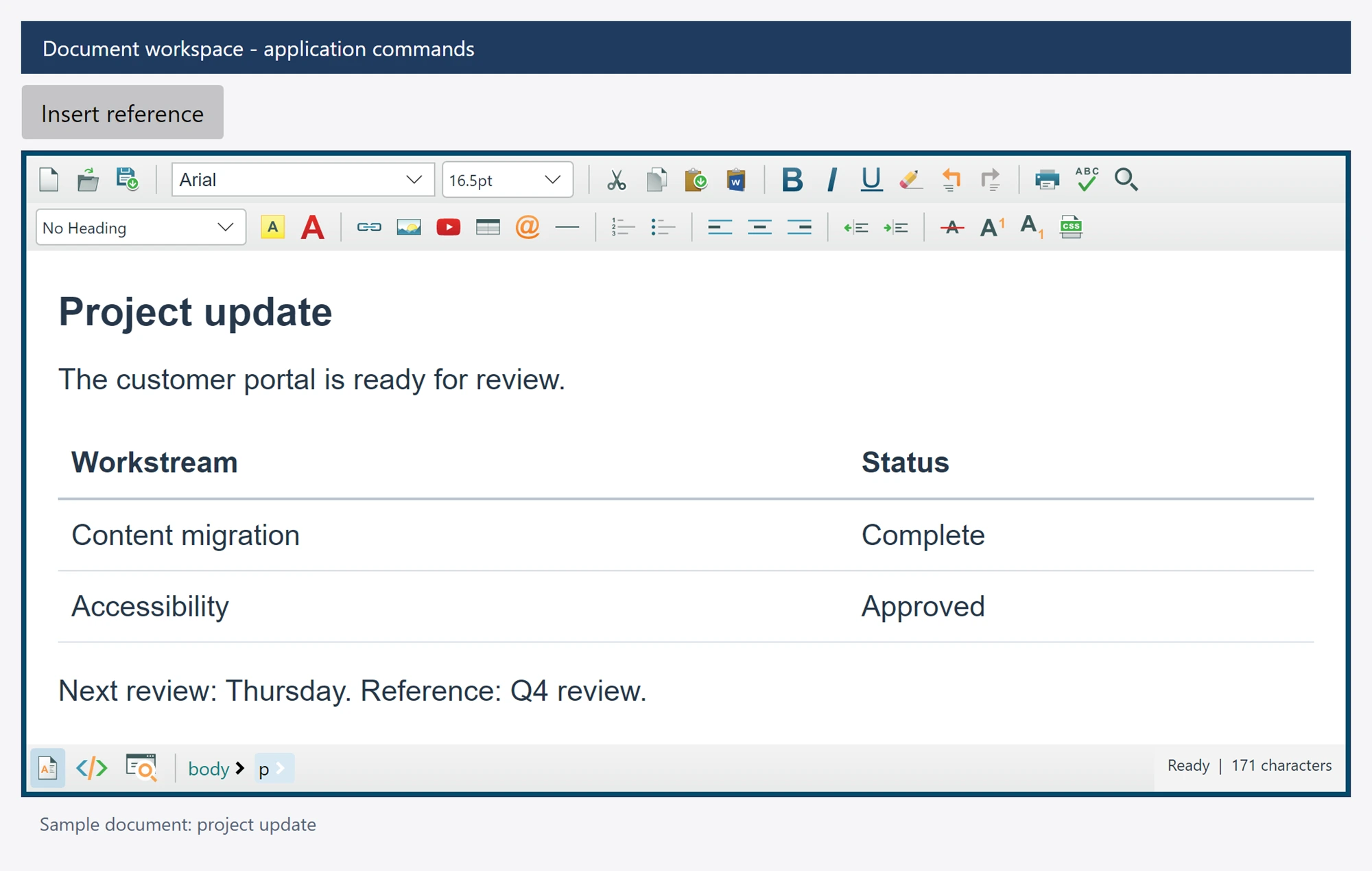
Use the existing controls
Toolbar1, Toolbar2 and ToolbarFooter expose native Avalonia toolbar wrappers. Their Items collections append custom controls after the factory toolbar. Toolbar1ItemsSource and Toolbar2ItemsSource bind those appended custom collections without replacing the factory controls. To customize the stock strip, use Toolbar1.ToolBar.Items or Toolbar2.ToolBar.Items, the named factory properties, or ToolbarItemOverrider.ToolbarItems. Keep a factory control in its stock strip when you want its built-in behavior; do not add it to an appended collection.
editor.ToolbarItemOverrider.ToolbarItems.Save.IsVisible = false;
editor.ToolbarItemOverrider.ToolbarItems.Print.IsEnabled = false;
Replace a command asynchronously
using SpiceLogic.HtmlEditor.Avalonia.ToolbarModule;

editor.ToolbarItemOverrider.OverrideAsync(
    ToolbarAction.Save,
    async (_, _) =>
    {
        string html = await editor.GetDocumentHtmlAsync();
        await SaveDocumentAsync(html);
    });
SaveDocumentAsync above is your application's storage method. A registered override replaces the default route. Remove an asynchronous override before subscribing to the corresponding synchronous event, or remove the synchronous handler before registering an asynchronous replacement.
The named events, including SaveButtonClicked, use native Avalonia routed event arguments. Avoid blocking the UI thread with Wait() or Result.
Style defaults and dialog customization
The stock controls retain their identity when the toolbar's item sequence changes. Client visibility, enabled state, captions, icons, tooltips and automation names can override the control's presentation defaults through native properties or bindings. DialogOpening exposes the actual native dialog before it opens and supports cancellation. Link, table and cell workflows expose their real named input controls for application customization.