


 NuGet
NuGet
MVVM and data binding
Bind the Avalonia HTML editor to a ViewModel with two-way BodyHtml or DocumentHtml binding. Use an awaited export in your Save command to capture current edits, including changes made in Source view.
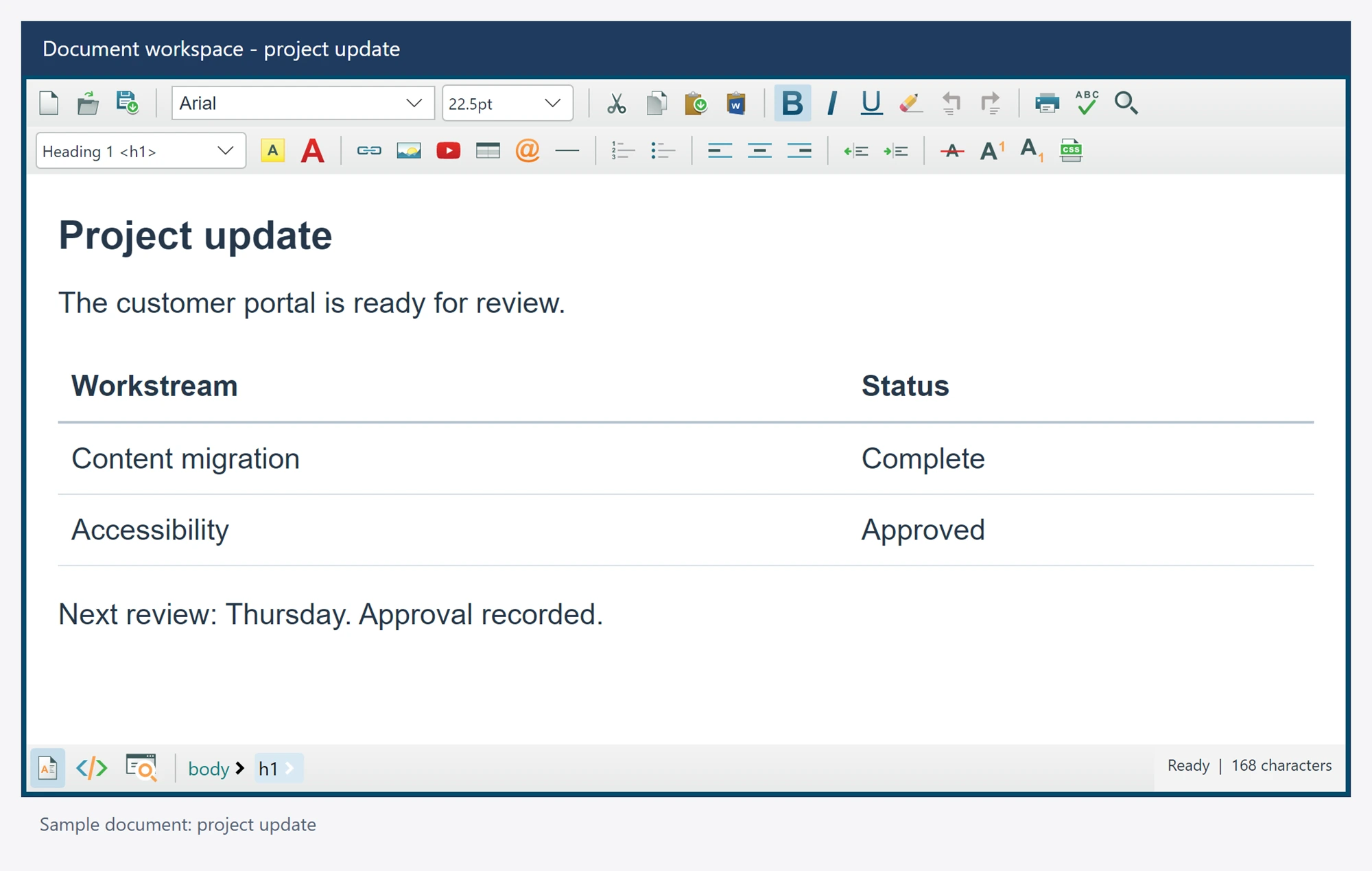
Avalonia 12 enables compiled bindings by default. Declare xmlns:vm="clr-namespace:YourApp.ViewModels" on the containing window and set x:DataType to your view-model type. That type exposes a public, writable string Html property and raises PropertyChanged when the value changes.
<editor:AvaloniaHtmlEditor
    x:DataType="vm:DocumentViewModel"
    BodyHtml="{Binding Html, Mode=TwoWay}" />
HtmlChanged reports accepted content changes. SelectionChanged can refresh application commands. Binding updates and browser communication are asynchronous; save through an awaited GetBodyHtmlAsync or GetDocumentHtmlAsync.
Protect a source draft
An external binding replacement cannot silently discard a dirty or pending source draft. Apply the user's draft through the mode/export workflow, or use CancelSourceEdits() after pending work settles if the user chooses to discard it. A rejected binding restores accepted content properties while retaining the source draft, including after browser recreation.
Document ownership
Keep save prompts and persistence in the view model. An accepted browser snapshot is immutable, and its document/selection identity belongs to that browser session. Do not reuse a captured operation after switching documents or recreating the native surface.