


 NuGet
NuGet
Insert and preview YouTube embeds
Use the native YouTube authoring workflow to insert a supported video reference into HTML. External playback depends on your explicit resource policy and the deployed browser environment.
Saved iframe markup and successful playback are different things; inspect both in your application.
Use it in your application
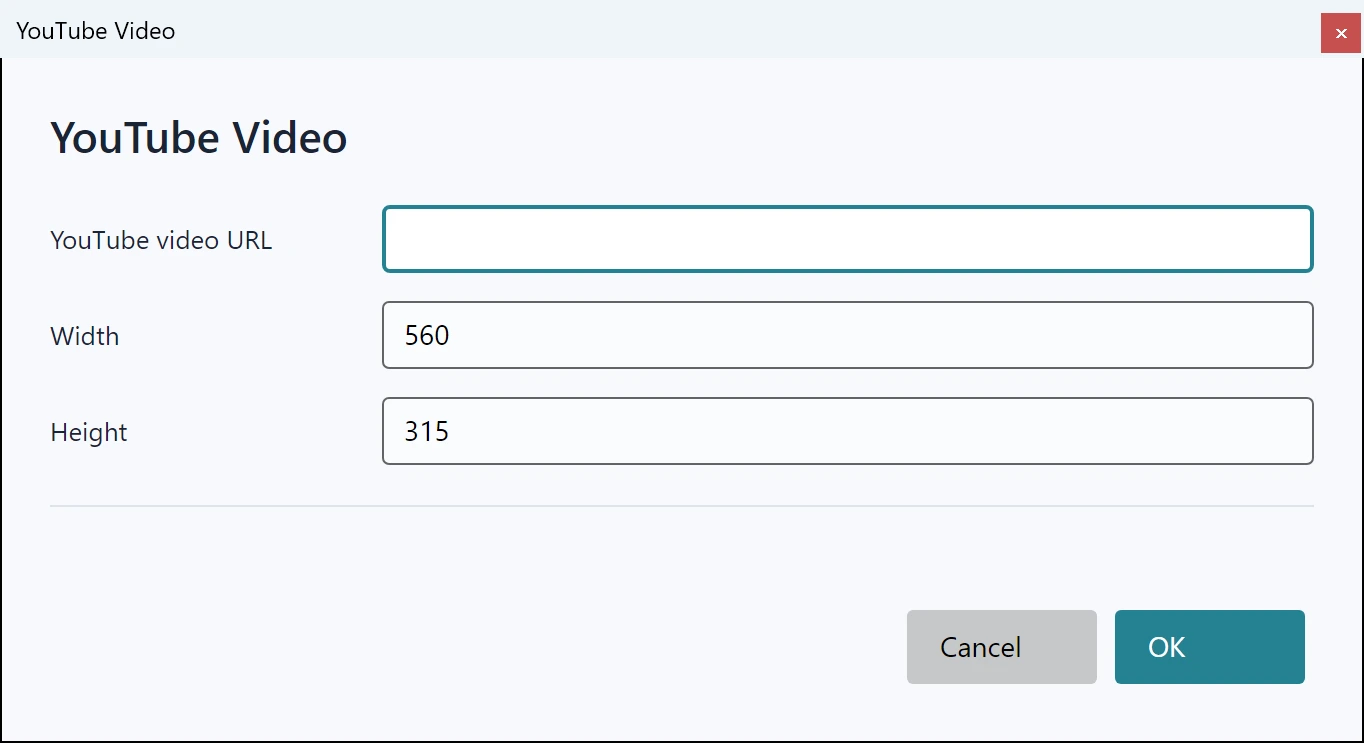
Open the YouTube dialog from the public Dialog service or built-in command. Use an intended public video URL.
Keep external resources disabled unless the workflow requires them. When enabling them for preview, apply your own trusted-content and network policy.
A sandboxed authoring surface does not grant arbitrary page navigation or script privileges. Test video availability and network restrictions in the deployed environment.
await editor.Dialog.ShowYouTubeVideoInsertDialogAsync();