


 NuGet
NuGet
CSS rendering and document style
Keep document CSS with the HTML when layout and formatting must survive export. Native Avalonia themes style the editing interface; document styles control the authored content.
Use the document header for stylesheet rules; external stylesheet links are excluded. Image loading follows the editor resource policy.
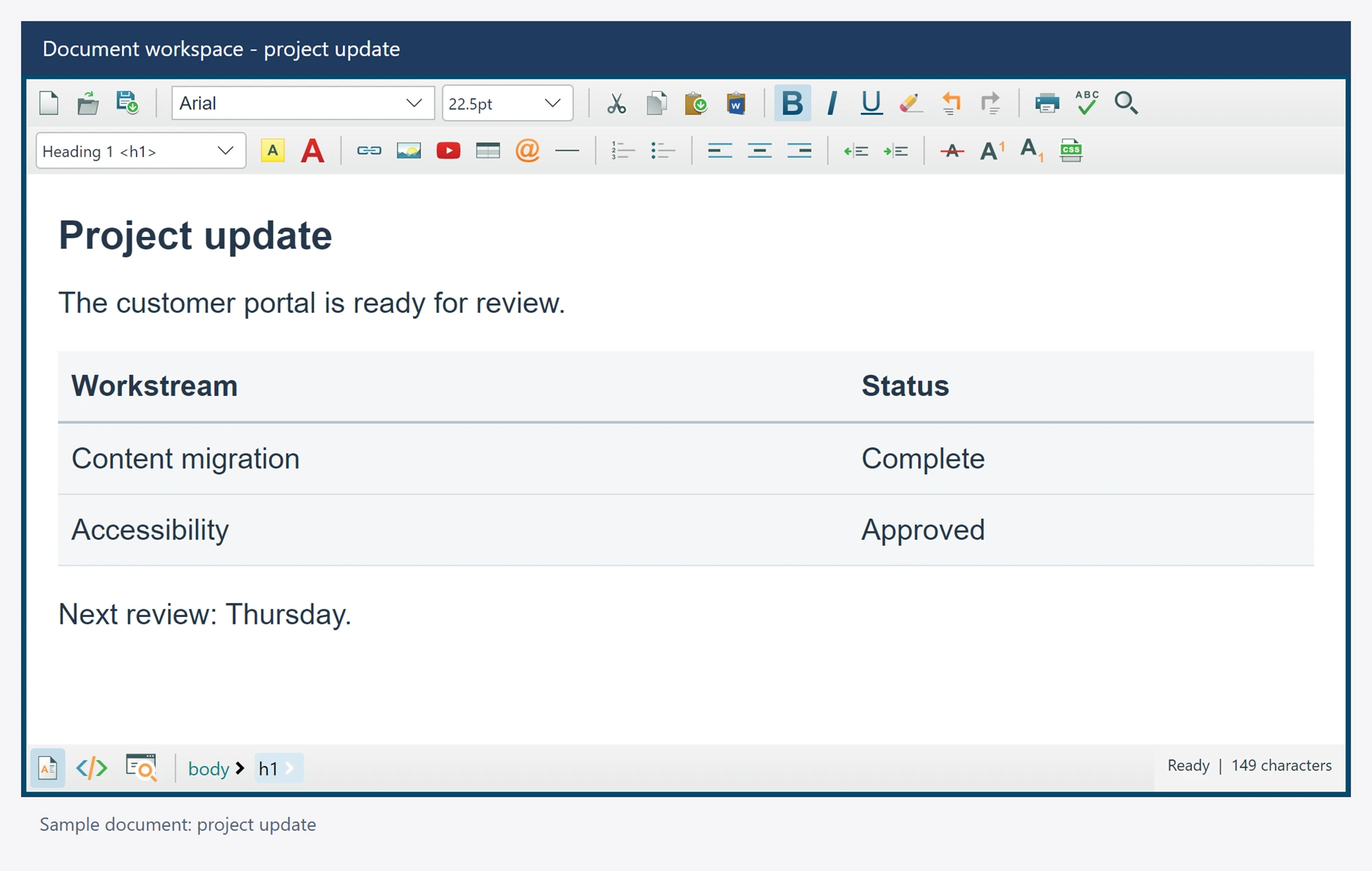
Use it in your application
Use HeaderStyleContent for an owned document stylesheet and BodyStyle or default body properties for body-level styling.
The example uses a class that your application supplies in the HTML. Test the document in its final destination because email clients and web pages have different CSS support.
Avoid relying on a native control background or font setting to style exported HTML. Export the complete document when its head stylesheet is required.
editor.HeaderStyleContent = ".notice { color: #1f3a5f; line-height: 1.5; }";
await editor.SetBodyHtmlAsync(@"<p class=""notice"">Your document update is ready.</p>");
string document = await editor.GetDocumentHtmlAsync();