


 NuGet
NuGet
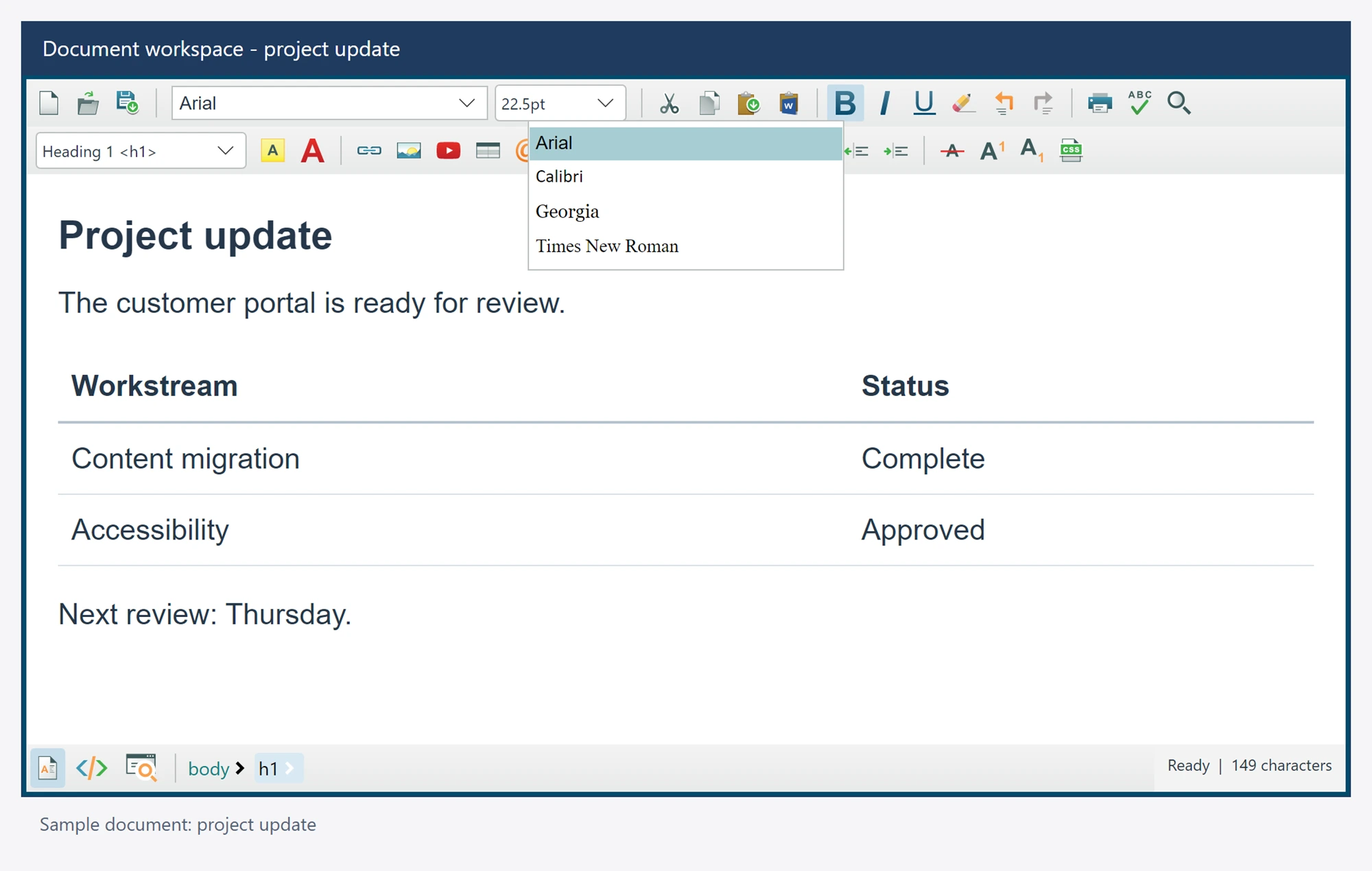
Customize the font dropdown
Limit the font selector to the families your application supports. The native toolbar exposes its registered font ComboBox for normal Avalonia item and template customization.
A supplied ItemsSource belongs to the application and should not be replaced by editor state synchronization.
Use it in your application
Access the factory control after the editor has initialized. Supply your own list or binding through standard Avalonia properties.
Include appropriate fallback fonts in saved document CSS when content will be viewed on other machines. A dropdown item does not install a font.
Keep the selector font family separate from font size units and the native UI theme.
editor.Toolbar1.FactoryCmbFontName.ItemsSource = new[]
{
    "Arial", "Calibri", "Georgia", "Times New Roman"
};