


 NuGet
NuGet
Set the default font
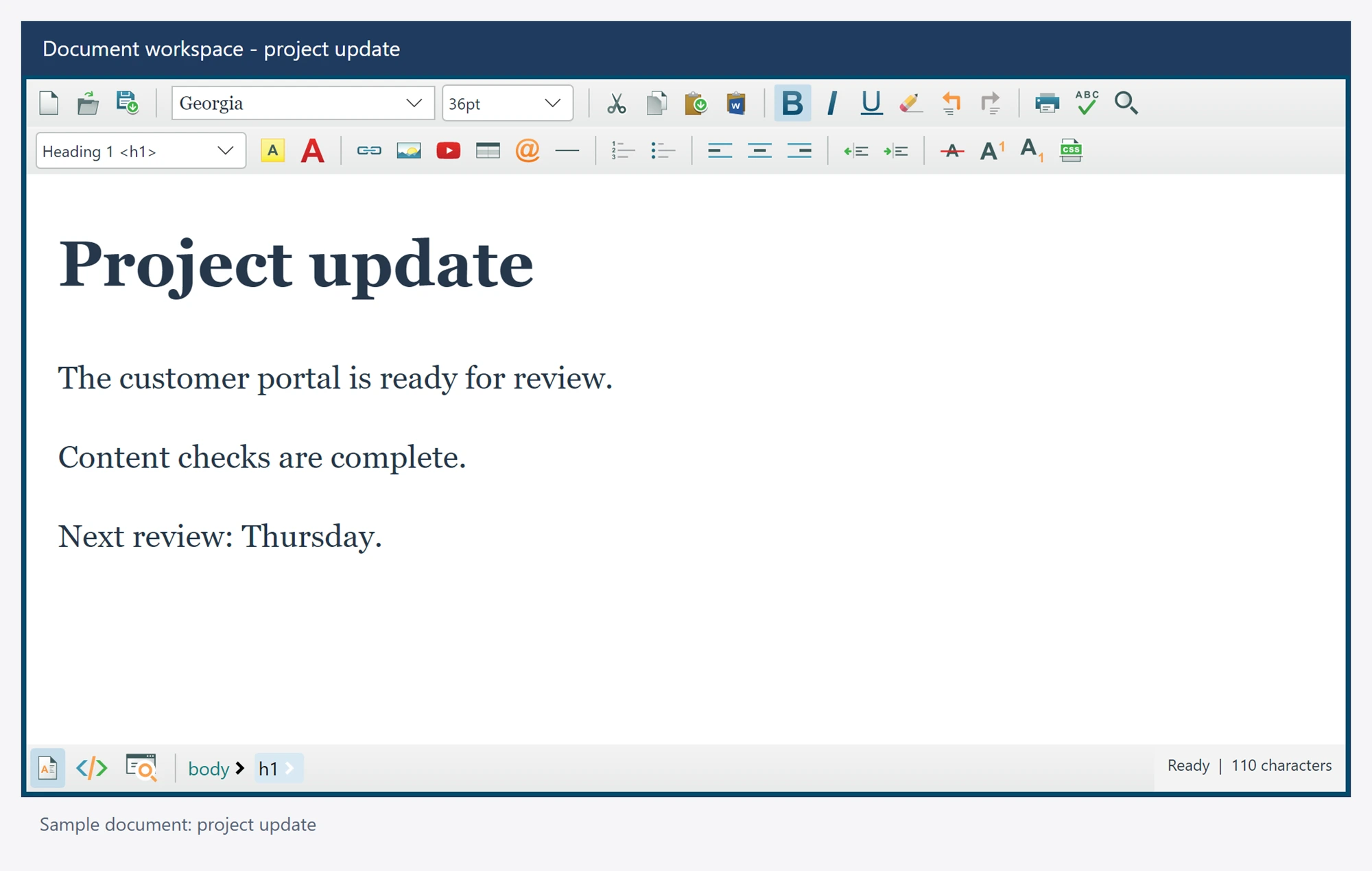
Choose document defaults separately from the native editor interface font. New or defaulted document text can use your application font, size and foreground color.
Existing explicit HTML styles retain their own meaning until you deliberately reapply defaults or change formatting.
Use it in your application
Set document font defaults before loading or creating content when they are part of your application template.
Use the Content service to apply defaults through the normal document workflow. Native control FontFamily and FontSize are not substitutes for authored document defaults.
Store the exported document when its styling must travel outside the editor. Confirm that the fonts you choose exist on the deployment machine or provide suitable CSS fallbacks.
editor.DefaultFontFamily = "Arial";
editor.DefaultFontSizeInPt = 11;
editor.DefaultForeColor = Colors.Black;
await editor.Content.ReapplyDefaultBodyStyleAsync();