


 NuGet
NuGet
Style the surrounding editor and document
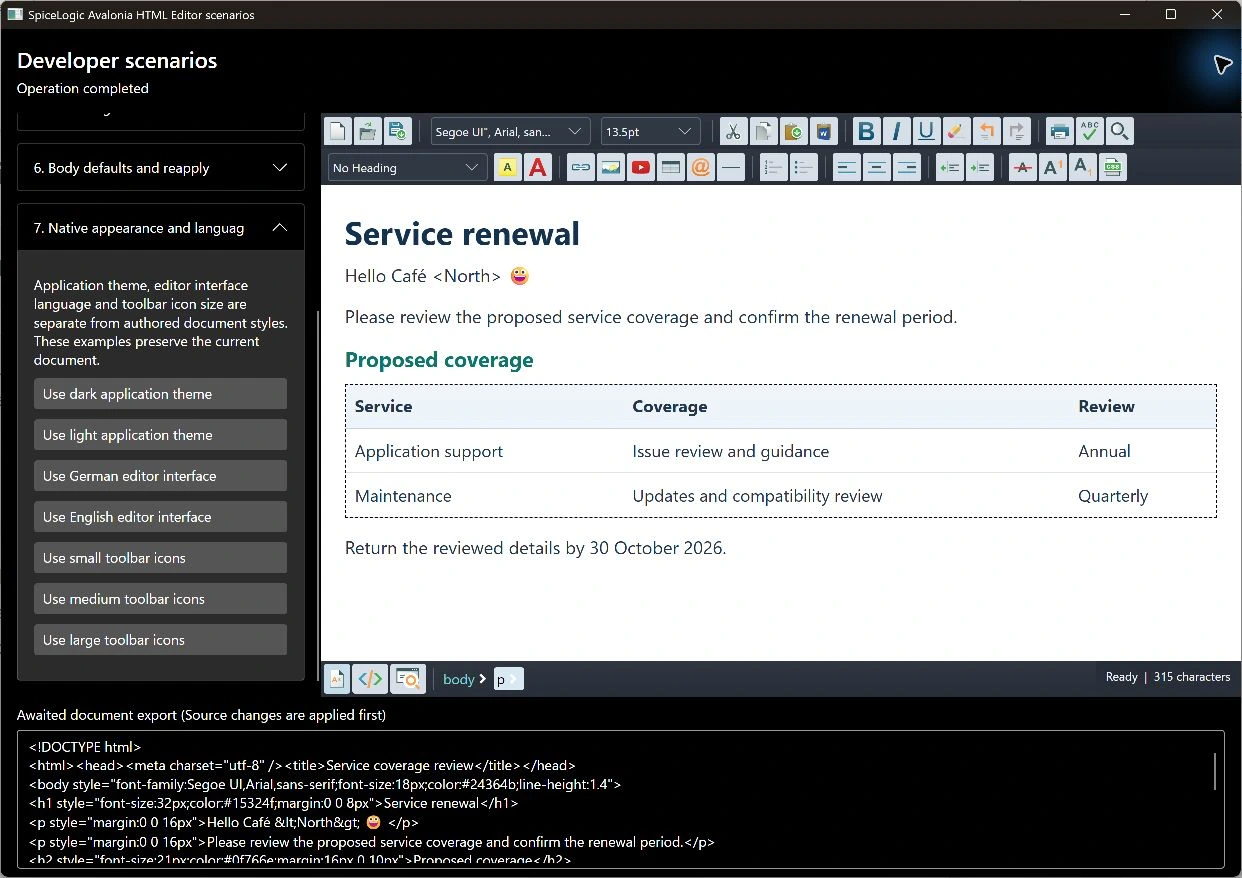
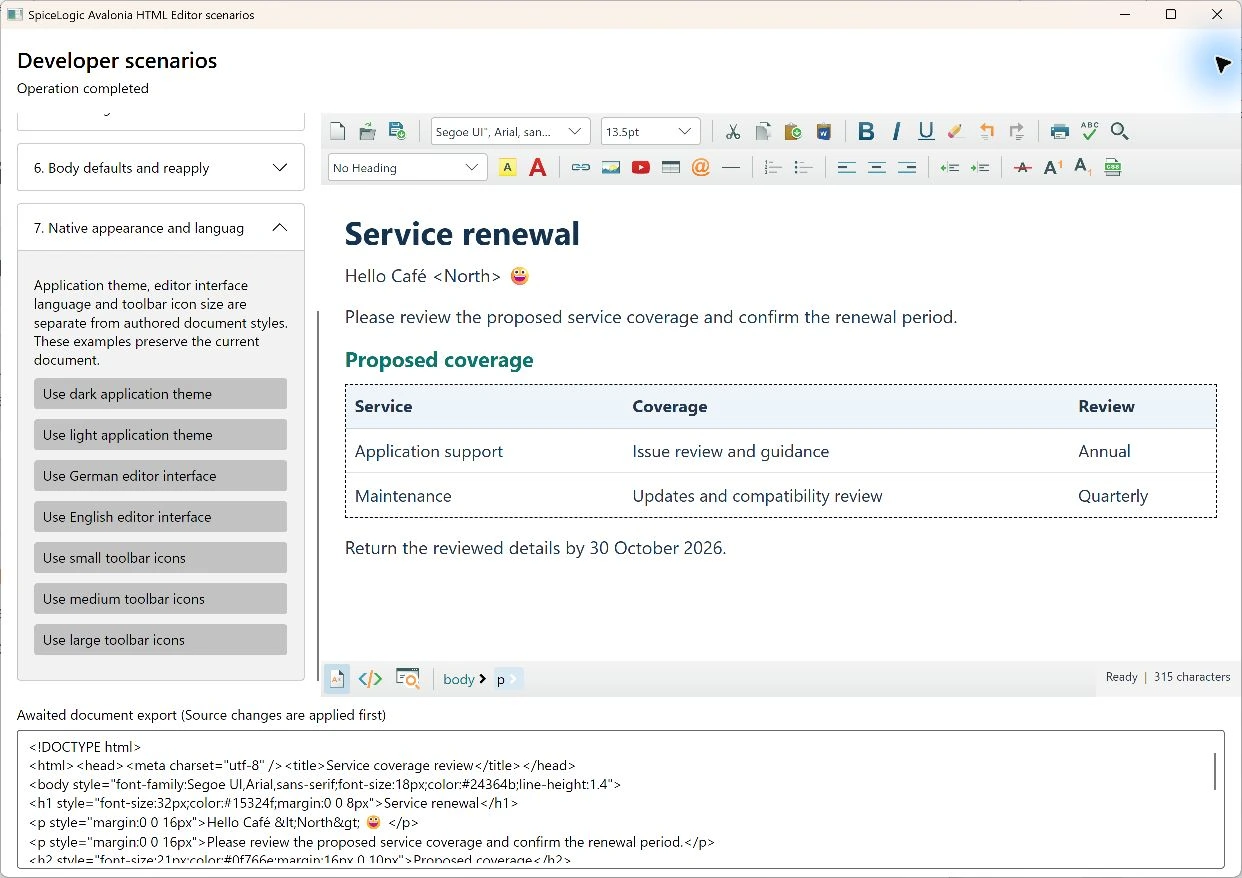
The editor combines native Avalonia controls with an HTML document surface. Your application theme styles the surrounding interface; document CSS styles the authored content.
Native controls and display scale
Named references expose actual toolbar controls. ToolbarIconSize uses the original WPF artwork at small, medium and large tiers of 14, 18 and 24 units. ZoomFactor scales document presentation without inserting zoom markup into exported HTML. SourceEditorFontSize supplies the source editor's independent base size.
editor.ZoomFactor = 125;
editor.SourceEditorFontSize = 14;
Eight-page body style builder
The body style action opens native Font, Background, Text, Position, Layout, Edges, List position and Other pages. Presets and parsing reuse shared style helpers. Font family selection supports an ordered installed/generic/custom font sequence; color fields use the native basic/advanced picker.
Viewing pages or changing the dialog language preserves unchanged authored CSS verbatim. Edited properties retain unknown declarations and case-sensitive custom properties. Valid edge shorthands and longhands remain separate. The builder edits body CSS, not the currently selected inline range. Remove style and Cancel have distinct effects.
string css = await editor.Content.GetBodyStyleAsync();
await editor.Content.SetBodyStyleAsync("--Brand: #335577; color: var(--Brand);");
Each literal field sits beside its preset and unit or picker controls. The Edges page pairs margin/padding and side-border groups in a wide viewport and stacks the same groups at narrow widths. Compound decoration and clip helpers retain their own row.
Background images and safe styles
Background selection uses the invoking Style Builder window's native file picker, then validates and authorizes the chosen raster. Private display transport preserves the authored URL in exported CSS. Safe raw CSS and unknown declarations remain available; active script/resource syntax is rejected. Use full document setters for supported head styles and body setters to preserve the accepted head.
Keep authored style separate from display
Document raster backgrounds use validated data/blob projection. Recognized CSS url(...) and BODY, TABLE, TD or TH legacy background sources retain their authored spelling in exports. Quoted image-set(...) forms remain authored but blocked and unprojected. Native light and dark themes style editor controls and the source view independently of authored document CSS.