


 NuGet
NuGet
Use a custom spell-check engine
Plug an application-owned spelling engine into the same review workflow used by the native editor. Implement the shared ISpellCheckerEngine contract, then select Custom mode.
An engine instance has one active native editor owner; give independent editors separate engine instances.
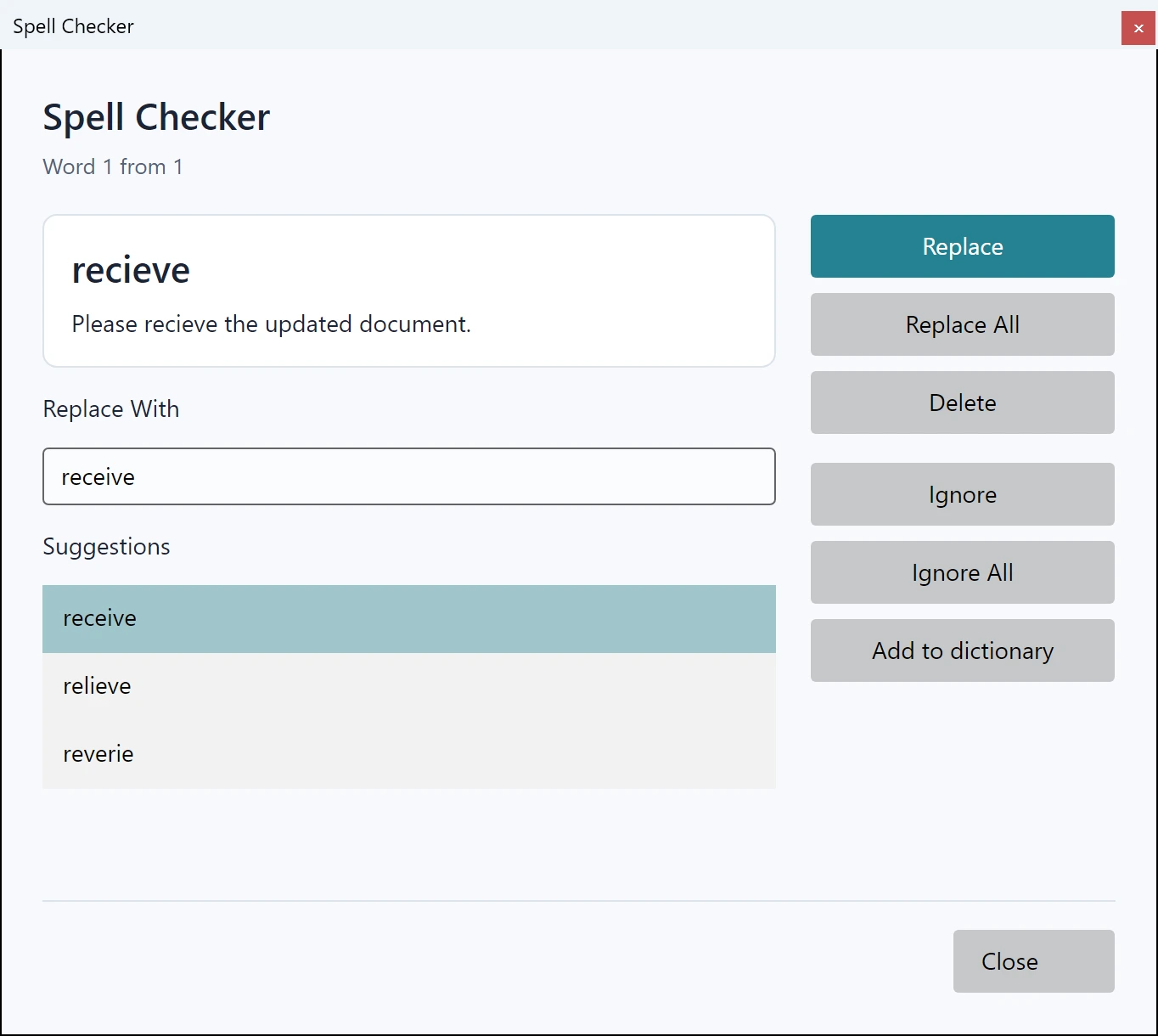
Use it in your application
The engine in the example is your implementation of the shared spelling interface. Inspect the package API for its exact methods before implementing it.
Supply predictable local behavior for checking, suggestions and disposal. The editor calls your engine off the interface thread, one call at a time, so a slow call delays results without freezing the window; keep slow network work out of these synchronous calls all the same. AddToUserDictionary is called only when the user dictionary is enabled and SpellCheckOptions.DictionaryFile.UserDictionaryFilePath names a file.
Test cancellation, document changes and custom-word policy with the engine you deploy. The editor cannot infer those behaviors from an interface declaration.
editor.SpellCheckOptions.CustomSpellCheckerEngine = engine;
editor.SpellCheckOptions.SpellChecker = SpiceLogic.HtmlEditor.Abstractions.Entities.SpellCheck.SpellCheckerEngineTypes.Custom;
Members
Implement these five members of the shared spelling interface.
| Member | Signature |
|---|---|
AddToUserDictionary | void AddToUserDictionary(string word) |
Dispose | void Dispose() |
Initialize | void Initialize(string dictionaryPath, string affixPath, string userDictionaryPath) |
Spell | bool Spell(string word) |
Suggest | IEnumerable<string> Suggest(string word, Nullable<int> max) |