


 NuGet
NuGet
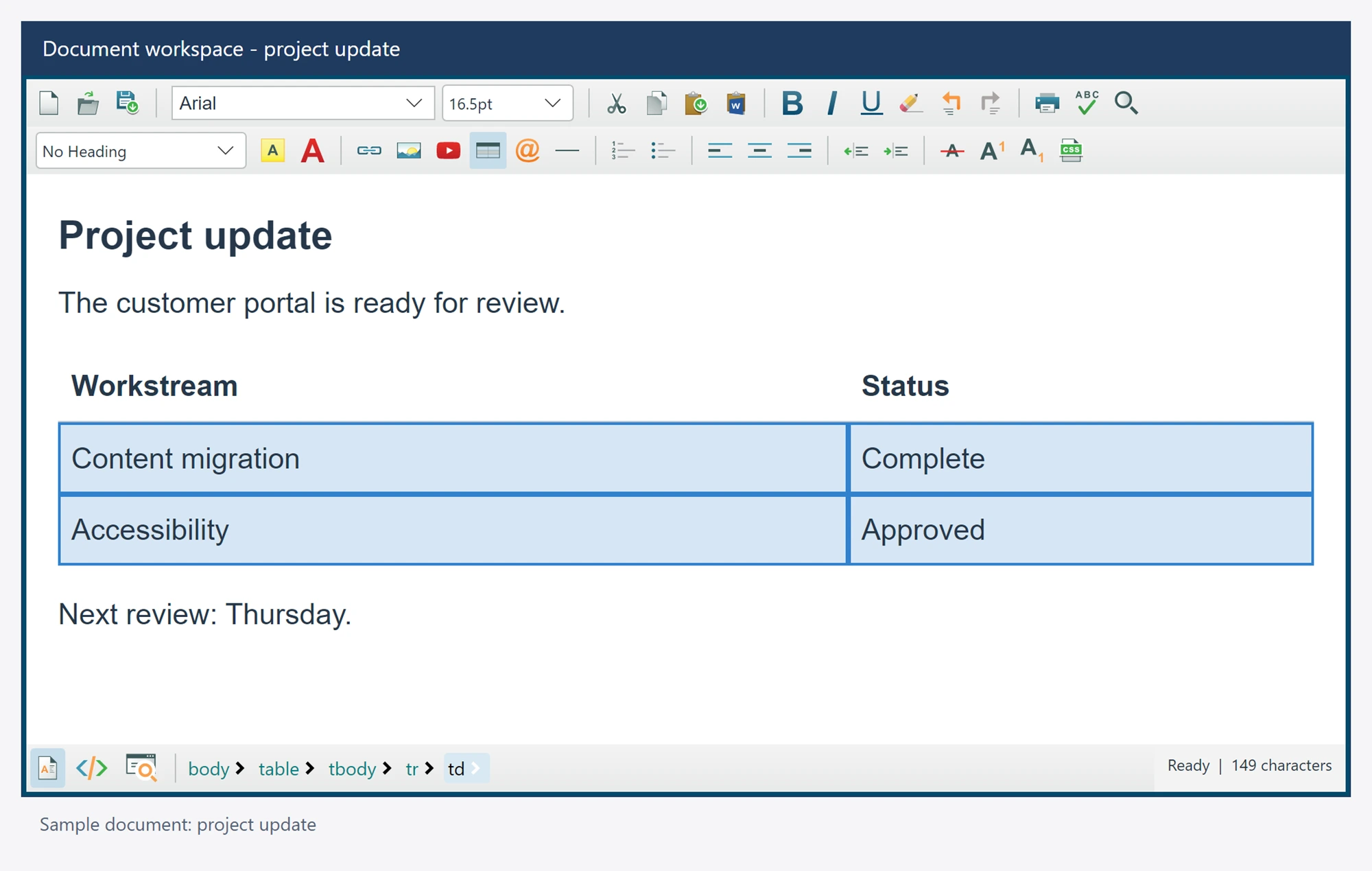
Insert and edit tables
Use the native authoring tools or awaited APIs to create and revise a table in the current design document.
using SpiceLogic.HtmlEditor.Abstractions;

await editor.TableAuthoringService.InsertTableAsync(3, 2);
// Select the intended cell before applying a cell-based command.
await editor.TableAuthoringService.InsertRowAsync(InsertPositions.After);
await editor.TableAuthoringService.SetCellStylesAsync(
    new Dictionary<string, string> { ["padding"] = "8px" });
Cell commands use the current selection. The service includes row and column insertion/deletion, supported table/cell styles, rectangular cell selection and merging, explicit adjacent-right merging, splitting a cell and deleting the table. Drag across direct table cells or use SelectCellsAsync, then call MergeCellsAsync. MergeWithRightCellAsync remains the explicit adjacent-cell operation. Partial spans, holes, cross-table and row-group crossings reject without changing the table. Options.EnableTableCellMerge controls merge gestures and commands.
New tables allow 1 to 1,000 rows and 1 to 1,000 columns, with at most 2,000 logical cells in total. The native Table Properties dialog uses the same dimension limits. Treat those bounds and operation rejection as part of the application's authoring workflow.
Table and cell property drafts
Native Table Properties includes optional width, height, alignment, spacing, padding, border, background color and picture fields, plus summary, identifiers, class names and residual CSS. Cell Properties includes optional alignment, dimensions, border and background fields, nowrap and application to all table cells. The shared TableDialogState and TableCellDialogState models retain their SpiceLogic.HtmlEditor.Core.Dialogs namespace in the bundled portable library. Await TableAuthoringService.SetTablePropertiesAsync or SetCellPropertiesAsync to apply a complete property draft. Disabled optional fields remove their scoped attributes and CSS; retain fields you want to preserve.
// Place the caret in the intended table first.
await editor.TableAuthoringService.SelectCellsAsync(0, 0, 2, 2);
await editor.TableAuthoringService.MergeCellsAsync();