


 NuGet
NuGet
Synchronize custom toolbar buttons
Use the StateQuery service to keep application-owned commands aligned with the current editor. Read state after readiness and after relevant document, mode or selection changes.
A query describes the current view; Source and Design maintain different editing histories.
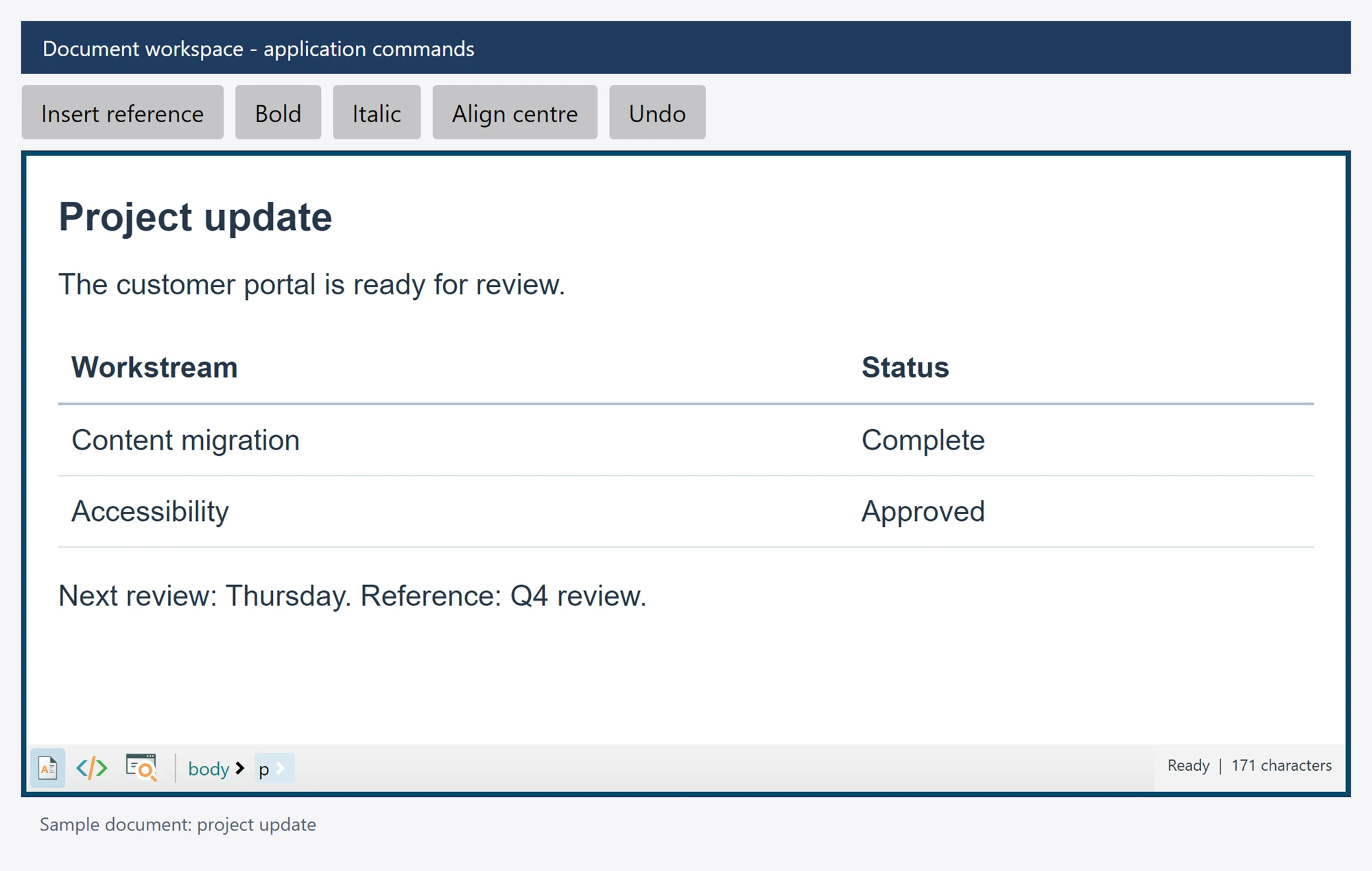
Use it in your application
Update your button on the UI thread. Coalesce frequent selection notifications rather than starting overlapping unbounded refreshes.
Recheck capability when the command actually runs. A previously enabled button is not a promise that the same selection or document still exists.
The focused example refreshes an Undo button. Apply the same pattern to selection formatting, table commands and redo using their matching queries.
commandButton.IsEnabled = await editor.StateQuery.CanUndoAsync();
bool selectionIsBold = await editor.StateQuery.IsBoldAsync();
string font = await editor.StateQuery.GetActiveFontFamilyNameAsync();