


 NuGet
Selection service
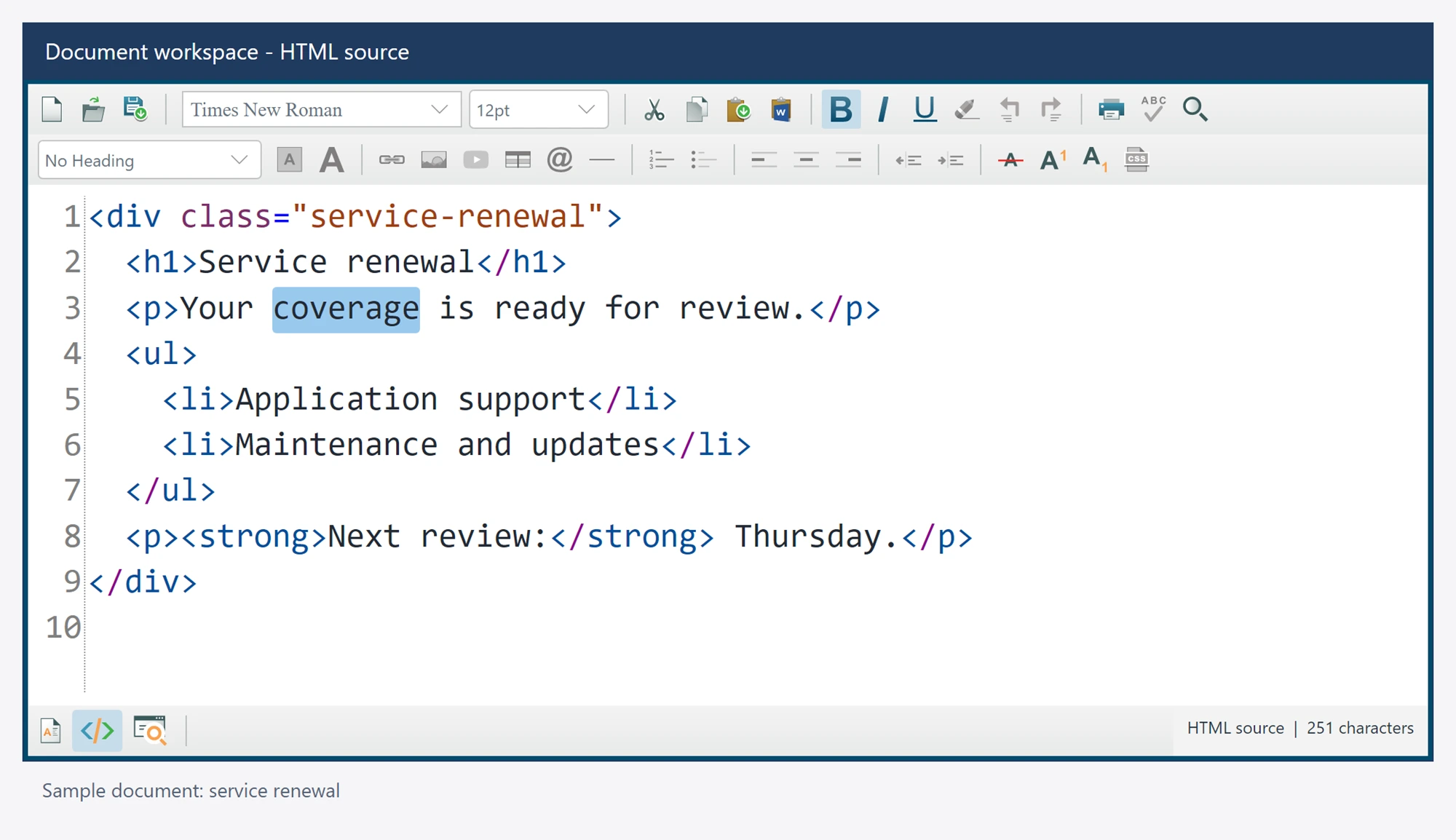
Inspect, select or clear the current text range. Read selected text separately from selected HTML when your application needs literal values.
The facade is available as editor.Selection; its interface can be replaced by an application implementation.
Use it in your application
Indices are UTF-16 units in the active view. Keep a selection and its document ownership together across awaited work instead of reusing a stale range.
All examples assume an editor named editor, already attached to a visible window, and an awaited editor.Ready. Keep operations asynchronous instead of blocking the UI thread.
string text = await editor.Selection.GetSelectedTextAsync();
string selectedHtml = await editor.Selection.GetSelectedHtmlAsync();
Members
These declarations come from the package's own XML documentation. Await operations and supply cancellation tokens where your application needs them.
DeselectAllAsync Method
Collapses the current visible selection at its start without changing content.
Syntax
Task DeselectAllAsync(CancellationToken cancellationToken = default)
GetSelectedHtmlAsync Method
Returns exported rendered selection HTML, or empty HTML in source mode as in the Windows service.
Syntax
Task<string> GetSelectedHtmlAsync(CancellationToken cancellationToken = default)
GetSelectedTextAsync Method
Returns literal selected text from the actual visible rendered document or source draft.
Syntax
Task<string> GetSelectedTextAsync(CancellationToken cancellationToken = default)
GetSelectionInfoAsync Method
Returns real selected text and UTF-16 offsets; source selections have empty rendered HTML.
Syntax
Task<SelectionInfo> GetSelectionInfoAsync(CancellationToken cancellationToken = default)
GetSelectionLengthAsync Method
Returns the current visible selection length in UTF-16 units.
Syntax
Task<int> GetSelectionLengthAsync(CancellationToken cancellationToken = default)
SelectAllAsync Method
Selects the complete visible document or source draft without changing content or history.
Syntax
Task SelectAllAsync(CancellationToken cancellationToken = default)
SelectTextAsync Method
Selects a UTF-16 range in visible rendered body text or the actual source draft without applying the draft.
Syntax
Task SelectTextAsync(int startIndex, CancellationToken cancellationToken = default)
Selects a UTF-16 range in visible rendered body text or the actual source draft without applying the draft.
Syntax
Task SelectTextAsync(int startIndex, int length, CancellationToken cancellationToken = default)
TrimSelectionAsync Method
Trims literal spaces from visible selection endpoints; source mode returns empty rendered HTML.
Syntax
Task<string> TrimSelectionAsync(TrimDirections trimDirection = TrimDirections.Both, CancellationToken cancellationToken = default)
UnselectAsync Method
Collapses the current visible selection at its start without changing content.
Syntax
Task UnselectAsync(CancellationToken cancellationToken = default)