


 NuGet
NuGet
Custom spelling dictionaries
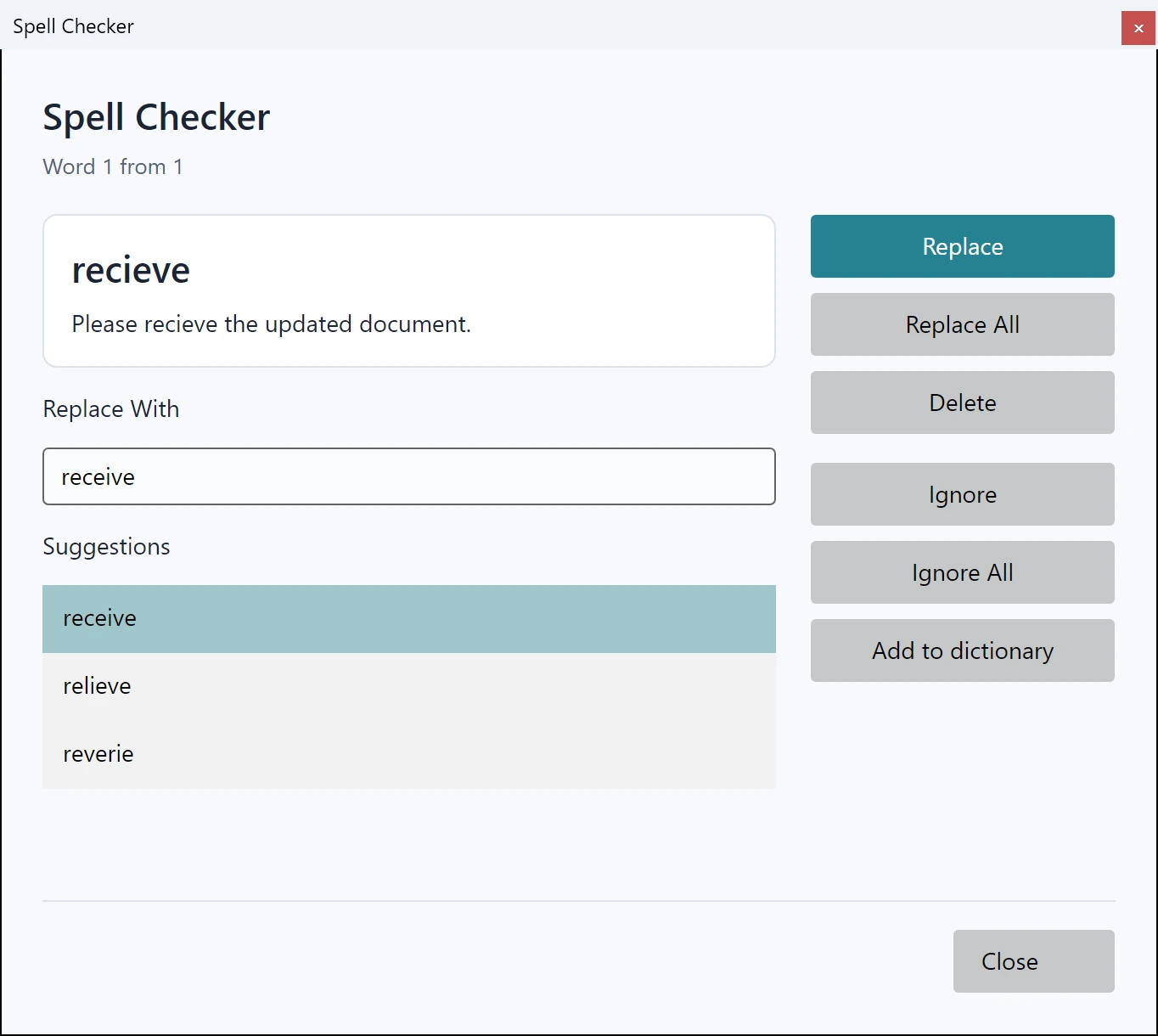
Preserve approved custom words in an application-configured local dictionary. This lets domain names and terminology survive a spelling-review session.
The dictionary location and permissions belong to your application deployment.
Use it in your application
Enable the user dictionary and choose a writable per-user location. A newly constructed DictionaryFileInfo has different defaults from the editor-owned spelling options, so set the policy explicitly when replacing it.
Keep custom word lists separate from application UI language and the main Hunspell dictionary. Configure the document language through SpellCheckOptions.
Use spelling review or the provided custom-word API for updates; avoid changing a file while an active operation is reading it.
editor.SpellCheckOptions.DictionaryFile.EnableUserDictionary = true;
editor.SpellCheckOptions.DictionaryFile.UserDictionaryFilePath = Path.Combine(
    Environment.GetFolderPath(Environment.SpecialFolder.LocalApplicationData),
    "MyCompany", "MyApplication", "custom-words.txt");