


 NuGet
NuGet
Getting started
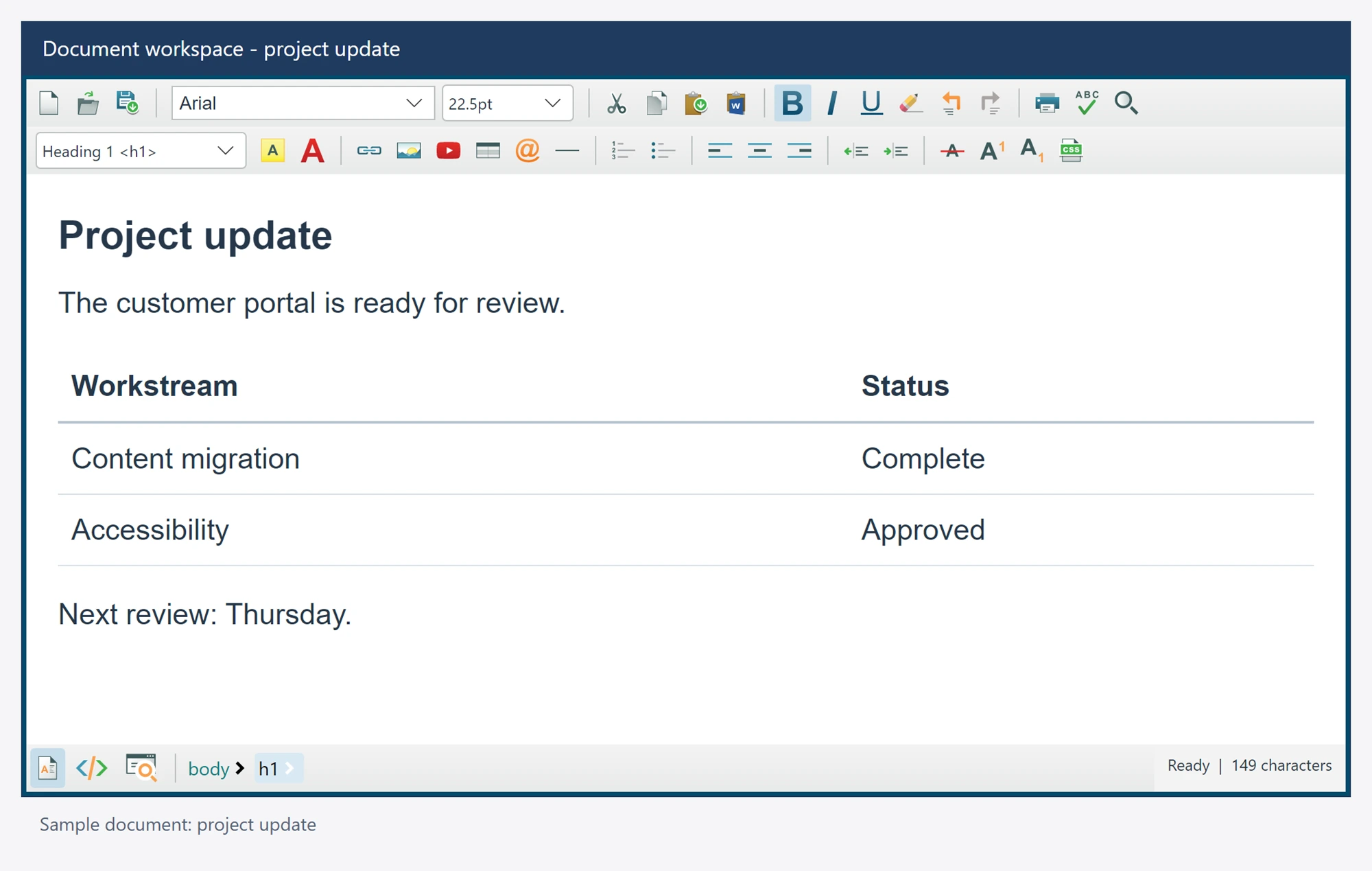
Let users visually edit the HTML your Avalonia app stores and sends. Build message composers and reusable templates with tables, images and merge fields on Windows, macOS and Linux. About Avalonia HTML Editor Control →
Install the NuGet package and add the editor to an Avalonia window. The C# examples below load HTML and export the user's edits; the Quickstart sample provides a complete application.
Build with .NET SDK 9.0.300 or newer (SDK 10 recommended), targeting .NET 8 or newer. Avalonia 12.1.4 requires the newer compiler. Install Microsoft Edge WebView2 on Windows before running the application.
Install the NuGet package
Install SpiceLogic.HtmlEditor.Avalonia in your Avalonia application project. Build with .NET SDK 9.0.300 or newer, with SDK 10 recommended. The application can target .NET 8 or .NET 10. Keep its Avalonia packages on 12.1.4 and install Microsoft Edge WebView2 on Windows.
dotnet add package SpiceLogic.HtmlEditor.Avalonia
Add the editor to a window
Paste the editor into any window or panel. The control belongs to Avalonia's default XML namespace, so no prefix is needed.
<AvaloniaHtmlEditor x:Name="Editor" />
If your installed version still needs a prefix, declare xmlns:editor="using:SpiceLogic.HtmlEditor.Avalonia" on the Window and write <editor:AvaloniaHtmlEditor x:Name="Editor" />. The package supplies its source editor styles; your application uses its normal Avalonia theme.
Load and save after the window opens
Run document initialization from the owner's Opened workflow after the editor attaches. Awaiting Ready before showing the window prevents the native document surface from starting. Await operations on the UI thread and handle failures in the application's status or validation UI.
await Editor.Ready;
await Editor.SetBodyHtmlAsync("<p>Welcome to your document.</p>");
string bodyHtml = await Editor.GetBodyHtmlAsync();
string documentHtml = await Editor.GetDocumentHtmlAsync();
Body HTML is a fragment. Complete document HTML includes the supported head metadata and styles. An awaited export applies a pending Source draft before returning the current content. Handle a failed apply before saving; do not substitute an older bound property value.
Quickstart provides complete startup, readiness timeout, error display, cancellation on close and editor disposal. Your application owns persistence and save prompts.
Related guides
- Supported platforms and prerequisites
- Ten sample projects on GitHub
- MVVM and data binding
- Readiness and asynchronous operations
When you are ready to ship, Deploy your application shows how to publish for Windows, macOS and Linux and what each machine needs.