


 NuGet
NuGet
Edit borderless HTML tables
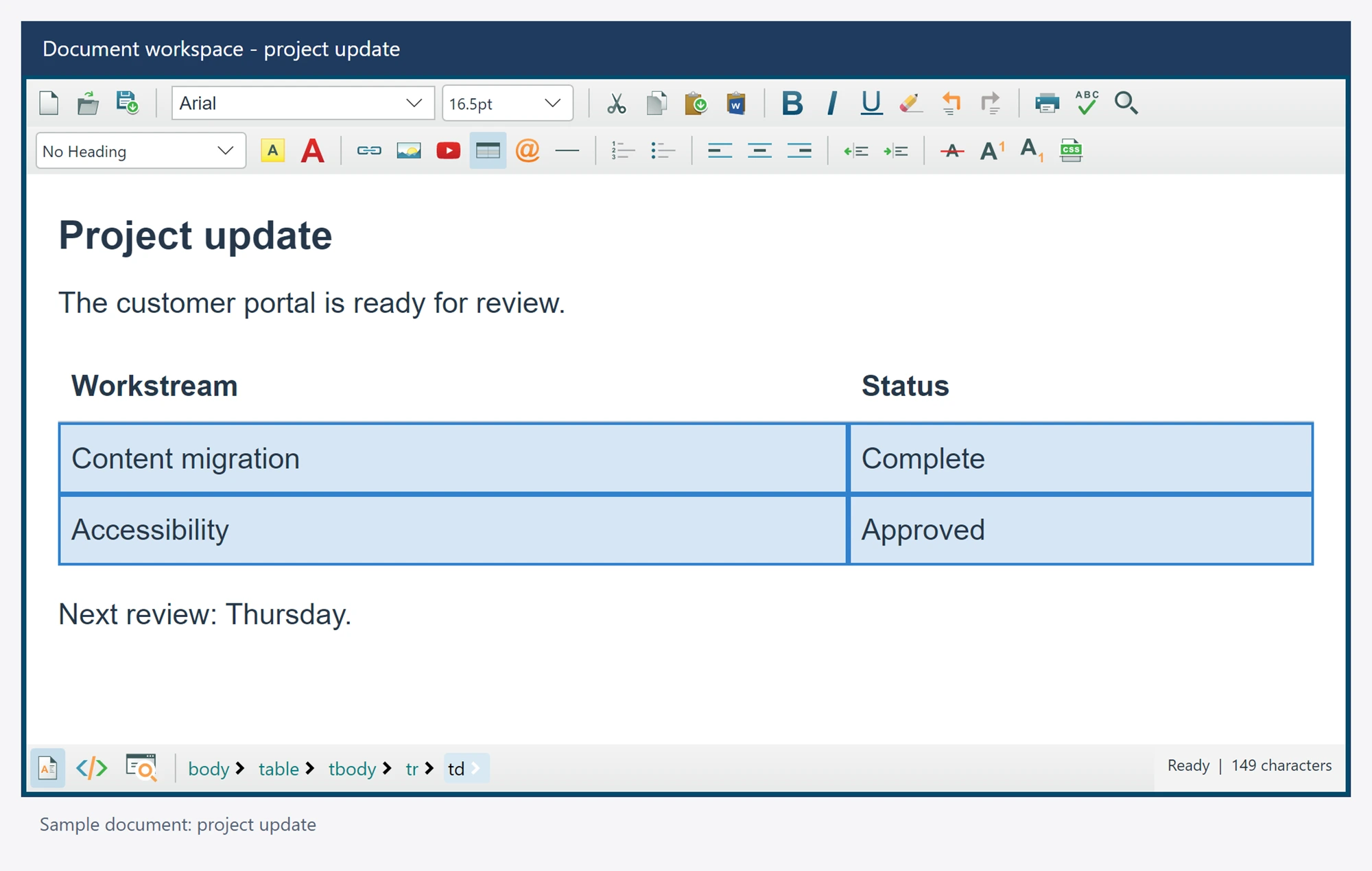
Keep an invisible-border table easy to edit without adding an authoring outline to saved HTML. Guidelines are a Design presentation aid.
The table structure and its authored border styles remain part of the document.
Use it in your application
Layout tables whose borders are zero show a dashed guideline while editing; ShowZeroBorderGuideline is on by default. Configure the guideline style through the supported safe outline setting.
Inspect the exported HTML when a table must remain borderless. Guidelines are not the same as table border properties.
Use the table dialog or table authoring service to change actual cell or table styling.
editor.Options.ZeroBorderTableGuidelineCss = "border: 1px dashed #64748b";
string savedHtml = await editor.GetBodyHtmlAsync();