


 NuGet
NuGet
Set the editor border
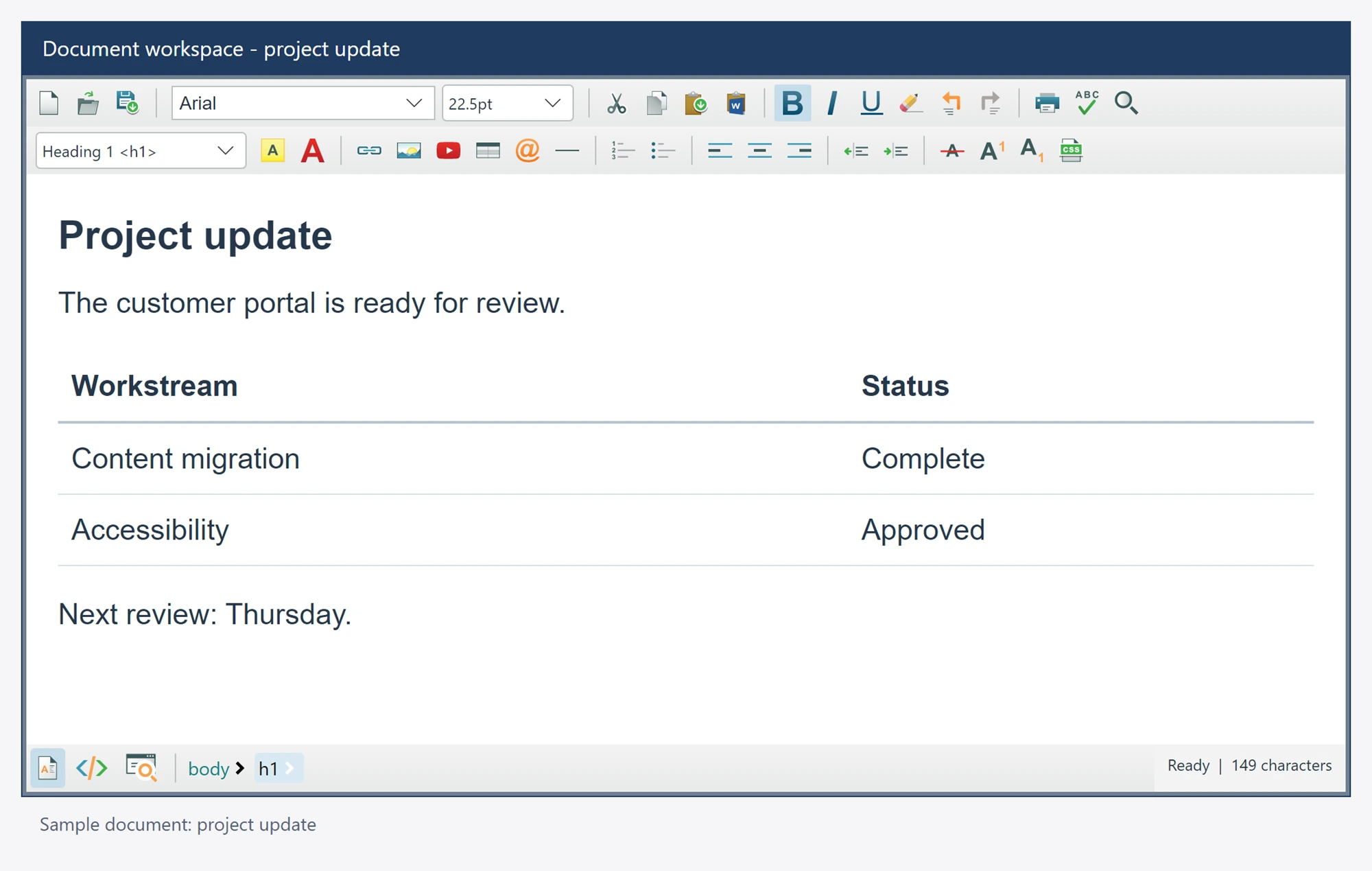
Match the editor frame to the surrounding Avalonia layout using native border settings. These settings affect the control frame, not borders authored inside the HTML document.
Document tables and styled elements have their own content properties.
Use it in your application
Use the control border properties in XAML or code. Standard Avalonia layout, margins and container styles remain available.
Keep document colors in the document styling API and native chrome colors in the native styling system.
Test the result in your application theme and actual display scaling.
editor.EditorBorderColor = Colors.SlateGray;
editor.EditorBorderWidth = new Thickness(1);