


 NuGet
NuGet
Activate your Avalonia license
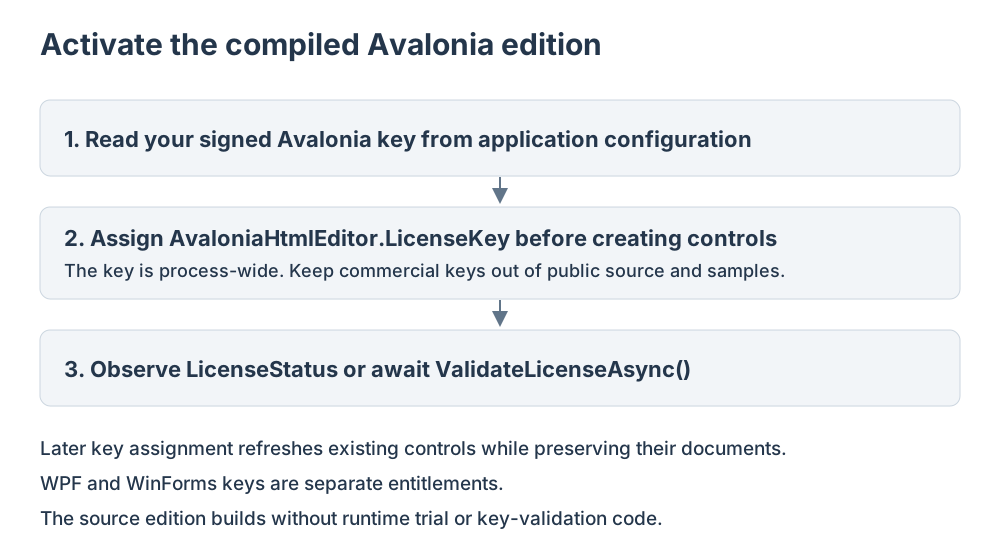
Use an Avalonia license entitlement for this edition. WPF and WinForms entitlements do not activate the Avalonia product.
Assign the key in code
using SpiceLogic.HtmlEditor.Avalonia;

AvaloniaHtmlEditor.LicenseKey = "your-signed-Avalonia-key";
Copy the key from your SpiceLogic account and assign it before constructing editor controls. The key is process-wide. A later assignment refreshes existing instances without replacing their documents.
Observe status
Read LicenseStatus, observe LicenseStatusChanged, or await ValidateLicenseAsync() to refresh validation. The signed key is checked for the Avalonia product identity and maintenance entitlement.
Evaluation state
Evaluation dates use per-user local application data. A valid commercial key does not depend on evaluation storage. An expired evaluation prevents editing through a read-only overlay while preserving the document. File-based license activation is not used by this edition.
Keep keys out of public delivery
Assign the signed key through application configuration before constructing controls. Do not commit commercial keys into public samples or distribute internal verification credentials. The separately licensed source edition removes runtime trial and key-validation code; the compiled NuGet edition uses the public activation API described above.