


 NuGet
NuGet
Find and replace
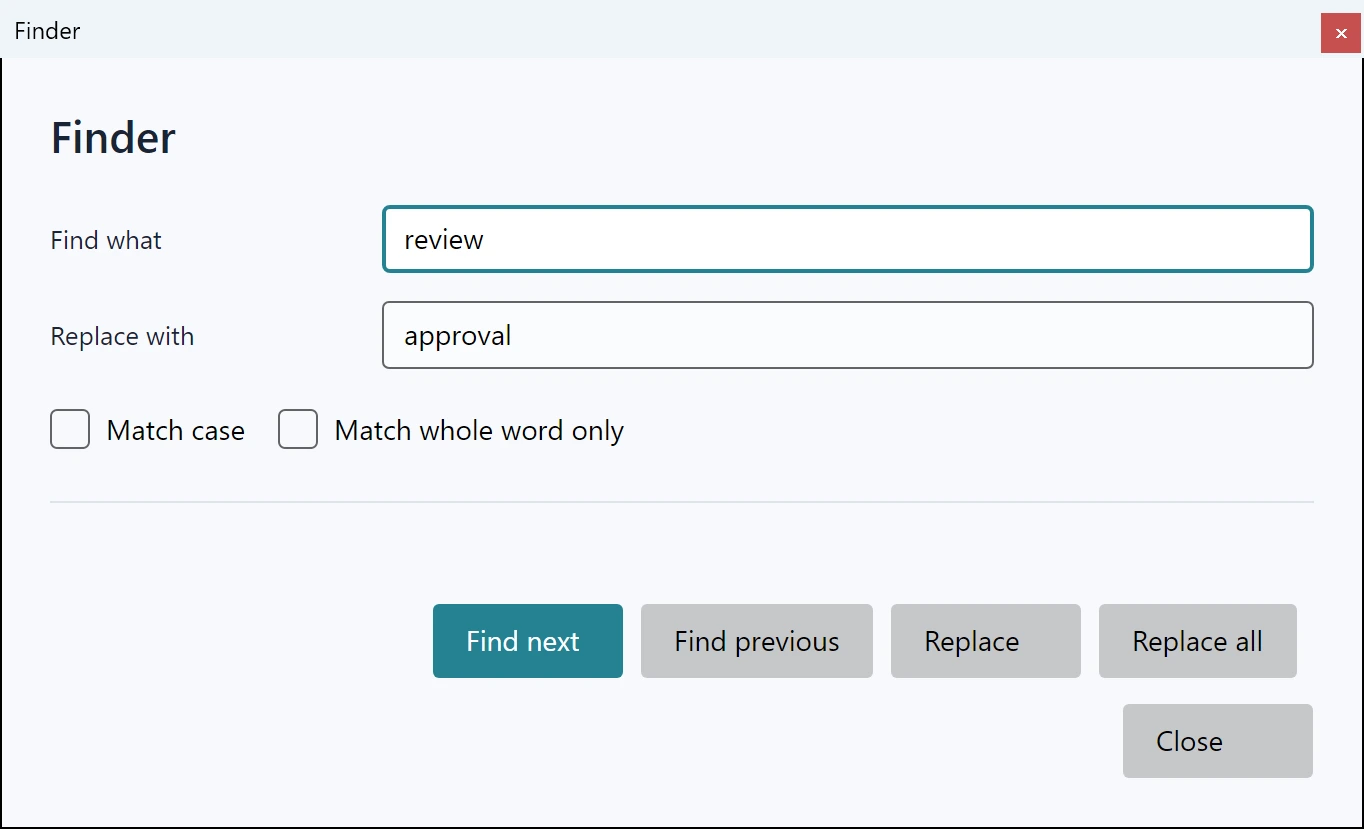
Find or replace text in the current authoring view through the native search dialog or awaited editor services. Source operations act on the visible draft.
Use explicit case and whole-word settings when search behavior is part of an application workflow.
Use it in your application
Open the built-in dialog for an interactive search, or call the service for an application-owned search command. The built-in Find and replace window is modal, so ShowSearchDialogAsync completes when the user closes it.
Replacement is an authoring operation and requires a writable view. Report a failed or stale operation instead of treating it as a successful save.
Check the returned match or replacement count and leave the user at the resulting visible location.
bool found = await editor.Editor.SearchAsync("renewal", forward: true, matchWholeWord: true, matchCase: false);
int replacements = await editor.Editor.ReplaceAllAsync("renewal", "subscription", matchWholeWord: true, matchCase: false);