


 NuGet
NuGet
Customize the document context menu
Customize the existing document menu through named references, add native items, or supply a complete replacement.
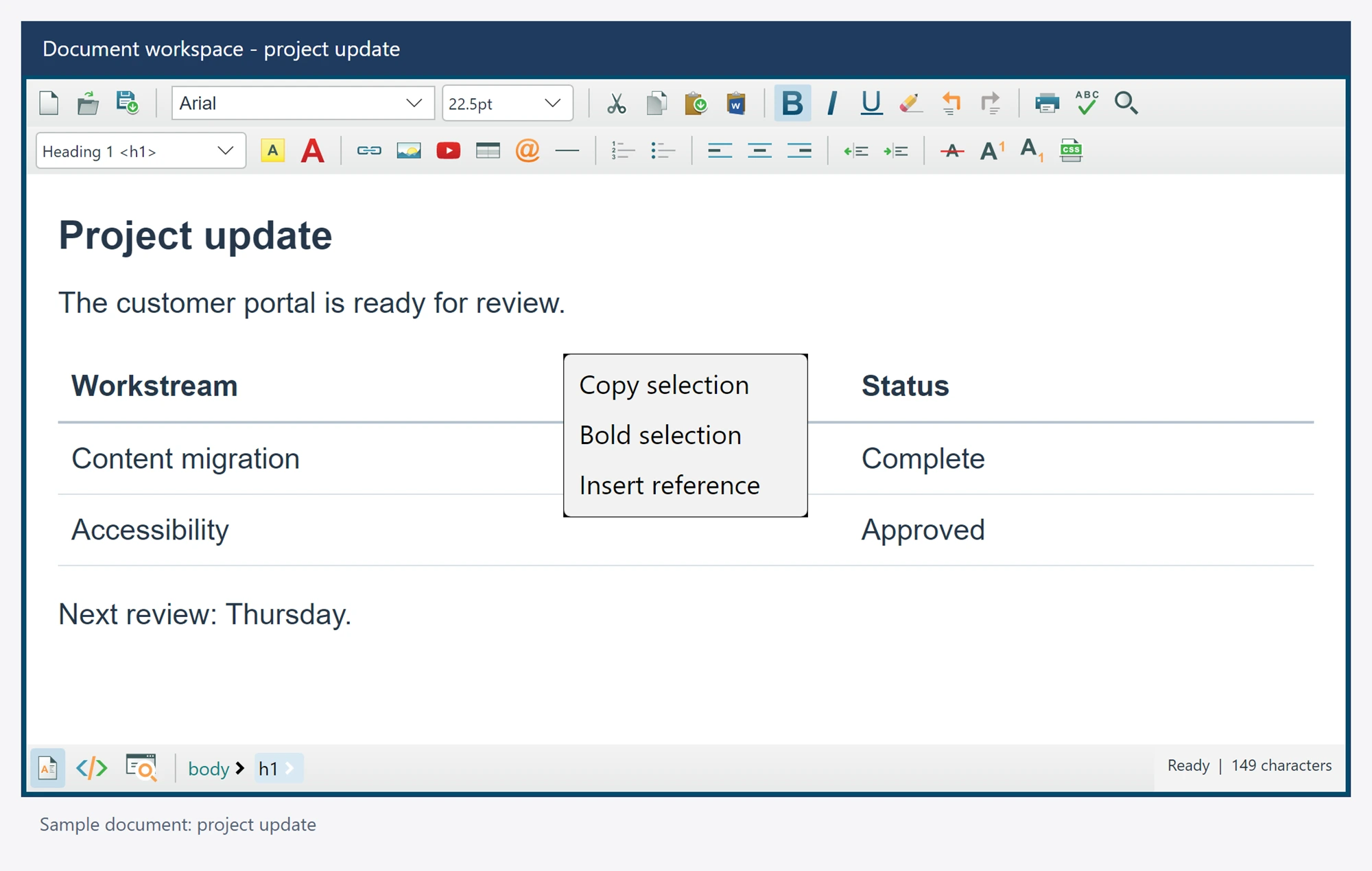
Change built-in items
var copy = editor.ContextMenuItems.Copy;
if (copy is not null)
{
    copy.Text = "Copy selection";
    copy.Visible = true;
}

var paste = editor.ContextMenuItems.Paste;
if (paste is not null)
    paste.Enabled = false;
Each named reference exposes Visible, Enabled, Text, Icon and its native Item. A reference can be null after the corresponding item is removed. The editor combines your restrictions with current selection and mode availability.
Change a particular opening
editor.ContextMenuShowing += (_, args) =>
{
    // Your application policy determines whether this opening is allowed.
    if (SuppressDocumentMenu())
        args.Cancel = true;
};
SuppressDocumentMenu() is application policy. Assign args.ContextMenu to replace this opening, or assign EditorContextMenuStrip for a persistent complete replacement. DefaultContextMenu exposes the built-in native Avalonia menu.
Built-in actions preserve the right-click selection and verify that the document and selection still match before mutating content. Custom actions must respect read-only and source/preview mode policy and await editor operations.
Guard the captured selection
Stock menu commands check document generation, revision and selection identity before an edit. A cancelled menu opening does not mutate content. Read-only modes retain supported copying, selection and source viewing while mutation commands remain unavailable.