


 NuGet
NuGet
Build a custom toolbar
Place application-owned commands around the editor and call its public awaited services. You can hide the built-in toolbar rows when the host provides the editing commands.
Keep command actions, enabled states and error reporting in the host view or ViewModel.
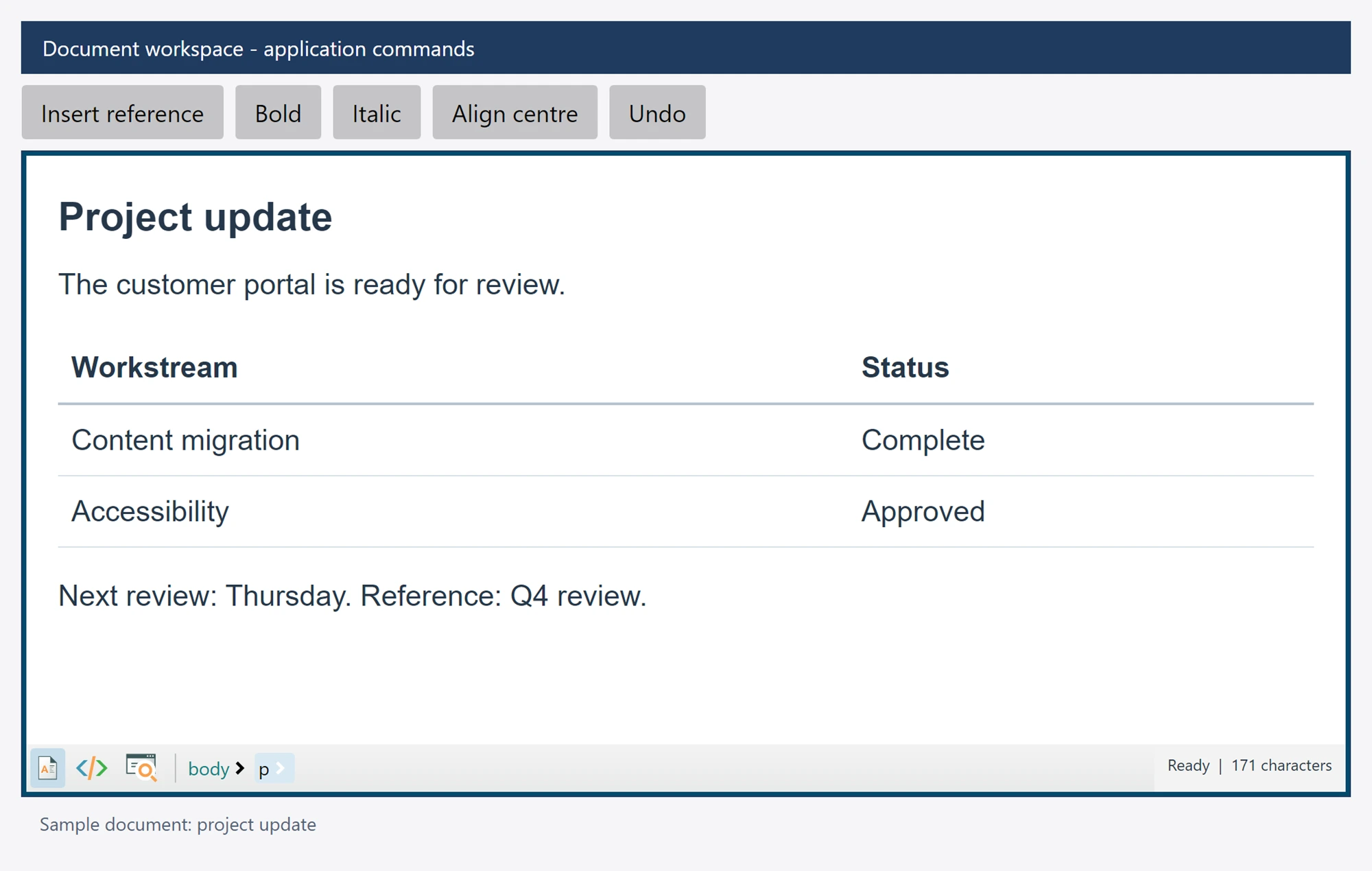
Use it in your application
The example uses commandButton and errorMessage controls owned by your application. It inserts a reference at the current caret.
Catch failures at the UI command boundary and report them in your application. A mode, selection or document can change while an awaited command is running.
Use StateQuery before updating your custom command states. The public ScenarioGallery includes additional native toolbar and context-menu integration examples.
editor.Toolbar1.IsVisible = false;
editor.Toolbar2.IsVisible = false;
commandButton.Content = "Insert reference";
commandButton.Click += async (_, _) =>
{
    try { await editor.Content.InsertTextAsync("Reference: "); }
    catch (Exception error) { errorMessage.Text = error.Message; }
};