


 NuGet
NuGet
Customize native dialogs
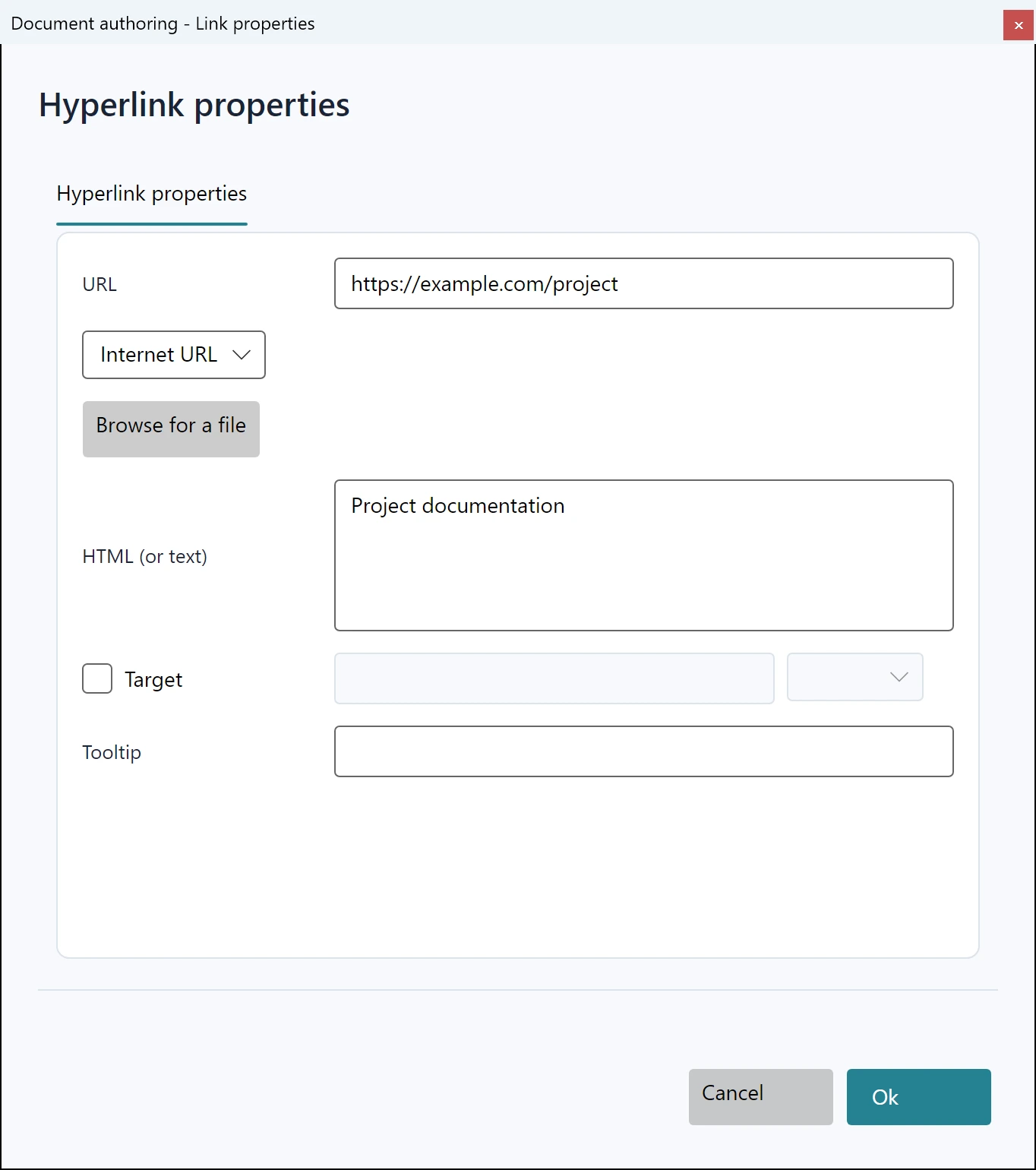
Adapt native dialog presentation or replace a built-in dialog through the Dialog service. Dialog contexts carry the operation data and guarded apply workflow.
Use the normal dialog-opening event for presentation changes that do not require a replacement window.
Use it in your application
The example changes only a dialog title. DialogOpening also exposes a cancellation flag for an application policy that prevents that operation.
For a full replacement, assign the matching Create...DialogMethod on editor.Dialog: CreateImageDialogMethod, CreateHyperlinkDialogMethod, CreateTableDialogMethod, CreateTableCellDialogMethod, CreateStyleBuilderDialogMethod, CreateSymbolDialogMethod, CreateSearchDialogMethod, CreateSpellcheckerDialogMethod, CreateYouTubeVideoInsertDialogMethod or CreateColorPickerDialogMethod. Return a native Avalonia Window and use the supplied context to apply supported data, rather than editing a hidden document directly.
Preserve owner-window modality, cancellation and validation. The default workflows reject stale document or selection state before applying a result.
editor.DialogOpening += (_, args) =>
{
    args.Dialog.Title = "Document authoring - " + args.Name;
};
await editor.Dialog.ShowImageDialogAsync();