


 NuGet
Rich text editing with HTML output
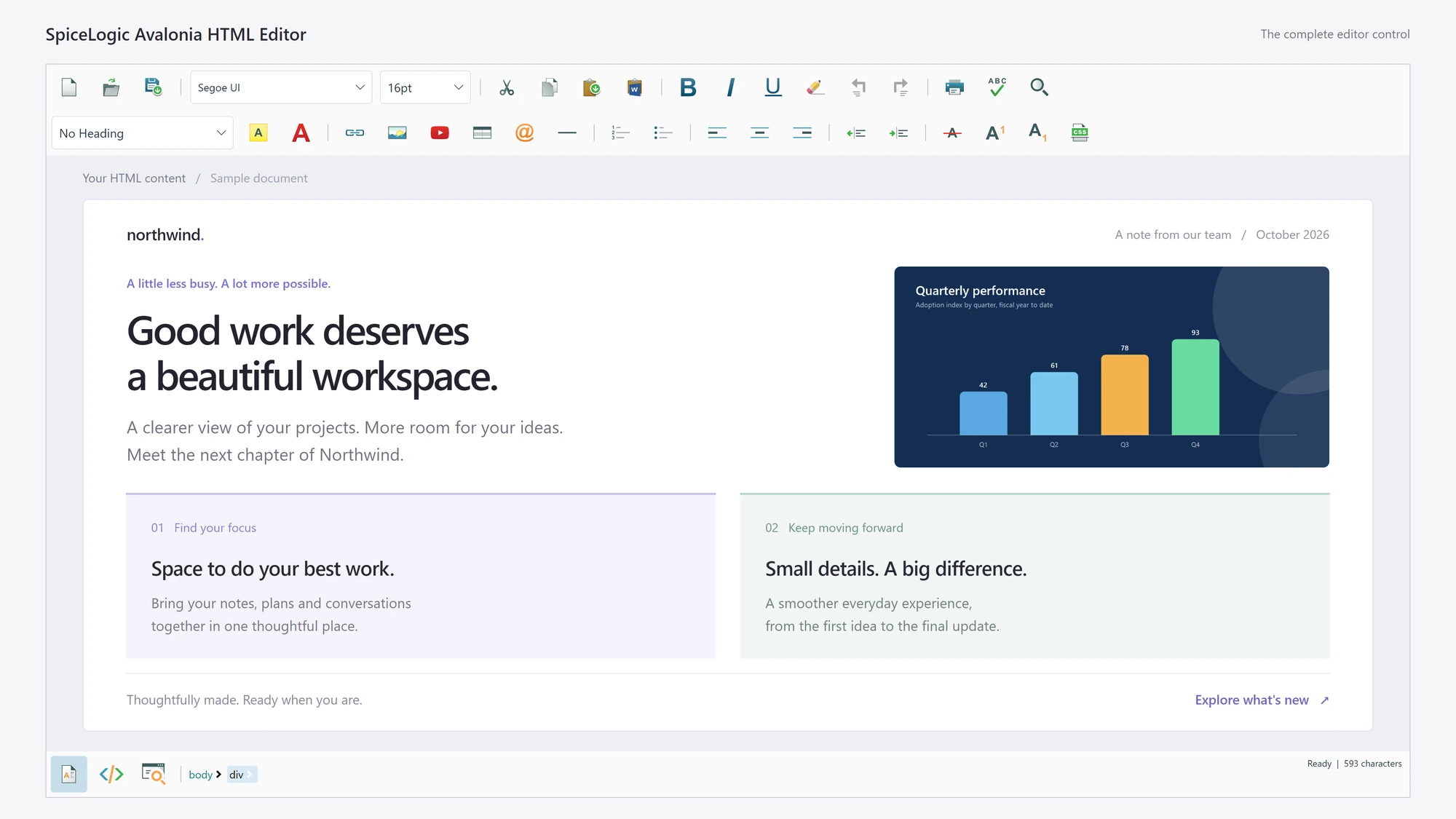
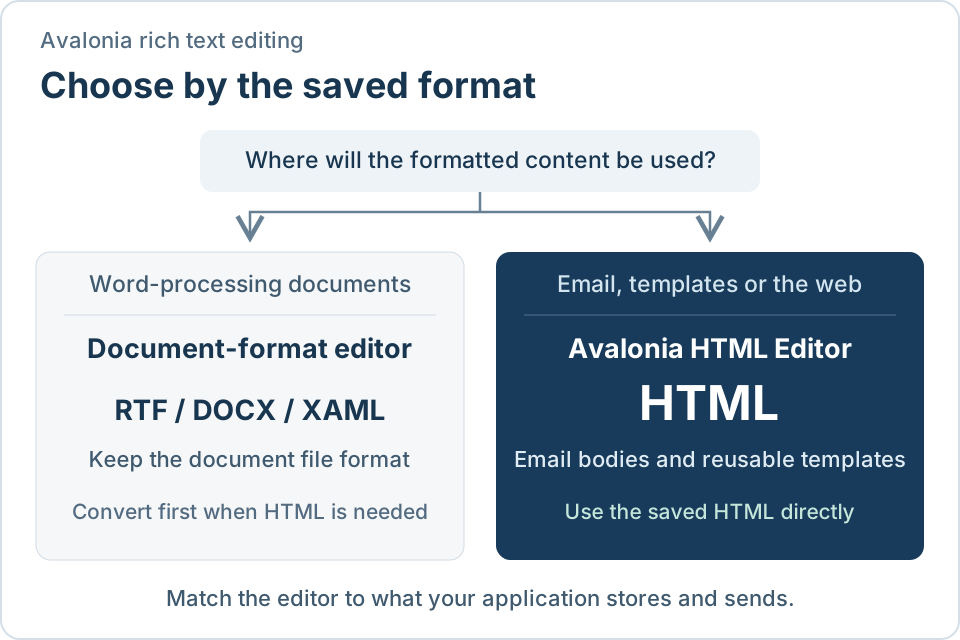
Rich text editors for Avalonia fall into two groups: editors built around a document model, saved as RTF, DOCX or XAML, and HTML editors, which save HTML. The right choice depends on where the formatted content is used after the user saves it. This guide gives the deciding factors and the code to load and save content with the Avalonia HTML Editor.
Decide by where the content goes
Formatting on screen looks the same in both kinds of editor. The difference is the format you are left holding afterwards.
| What you need | Document-format editor | Avalonia HTML Editor |
|---|---|---|
| Saved format | RTF, DOCX or XAML | HTML |
| Send the content as an email body | Convert to HTML first | Use the saved HTML as it is |
| Show the content on a web page or in a report | Convert to HTML first | Use the saved HTML as it is |
| Open and save word-processing files | The natural fit | Paste from Word with cleanup |
| Source view for the markup | Not applicable | Included, with a preview |
When a document-format editor fits
Choose a document-format editor when the application works with word-processing files: users open, edit and save RTF or DOCX documents, and the content stays in that format.
When to choose an HTML editor
Choose the HTML Editor when the content is destined for email or the web. Typical cases:
- Users compose email messages or reusable email templates that your application sends.
- Content is stored in a database and later shown on a website, a customer portal or a report.
- Users paste from Word or Outlook and expect the formatting to arrive intact.
- The same application runs on Windows, macOS and Linux and must produce identical HTML on each.
In each case the editor already produces the format the destination expects, so there is no conversion layer to write, test and maintain.
Load and save HTML
Add the control from NuGet (dotnet add package SpiceLogic.HtmlEditor.Avalonia), place it in a window, then read and write the content through the Content service once the editor is ready:
await editor.Ready;

// Load the saved message into the editor
await editor.Content.SetBodyHtmlAsync(template.Body);

// Save what the user wrote
template.Body = await editor.Content.GetBodyHtmlAsync();
The saved string is ready to use as an email body or to store in a text column. Use GetDocumentHtmlAsync when you need the complete document, including the head.
Next steps
- Getting started - install the package and place the editor in a window.
- Load and save HTML - fragments, complete documents and XHTML output.
- Readiness and asynchronous operations - when the editor is ready for content.
- Supported platforms - tested desktop configurations.