


 NuGet
Rich text editing: RichTextBox or the HTML Editor
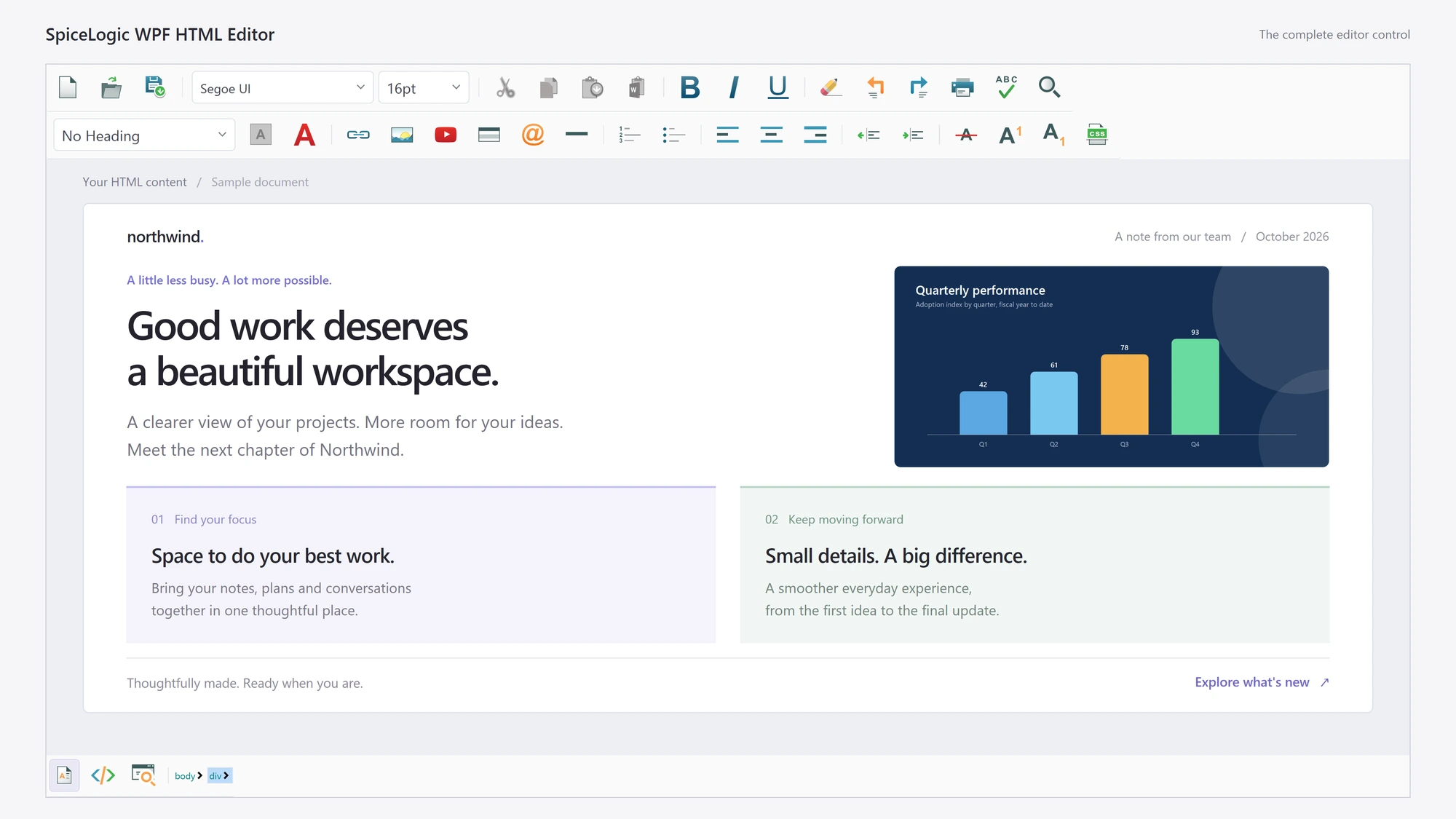
WPF offers two practical routes to a rich text editor: the built-in RichTextBox, which edits a FlowDocument, and an HTML editor control, which stores HTML. The right choice depends on where the formatted content is used after the user saves it. This guide gives the deciding factors and the XAML and code to load and save content with the WPF HTML Editor.
Decide by where the content goes
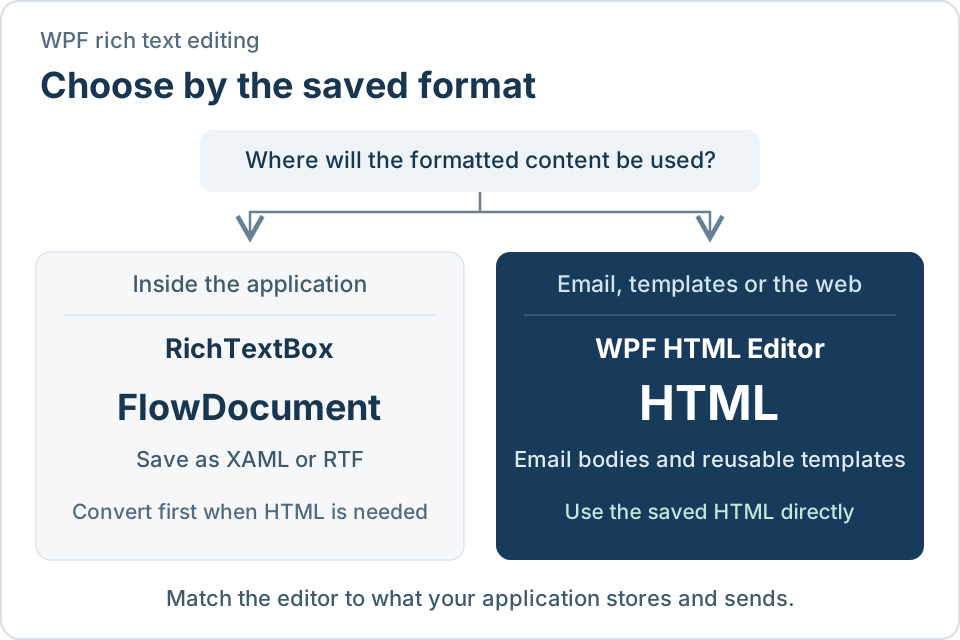
Formatting on screen looks the same in both controls. The difference is the format you are left holding afterwards.
| What you need | RichTextBox | WPF HTML Editor |
|---|---|---|
| Saved format | FlowDocument, saved as XAML or RTF | HTML |
| Send the content as an email body | Convert to HTML first | Use the saved HTML as it is |
| Show the content on a web page or in a report | Convert to HTML first | Use the saved HTML as it is |
| Bind the content to a view model | You write the bridge to the document | Bind BodyHtml as a string |
| Formatting toolbar, table and image dialogs | You build them | Included |
| Mail-merge placeholders for templates | You build them | Included |
| Source view for the markup | Not applicable | Included, with a preview |
When RichTextBox is enough
Choose RichTextBox when the formatted text is written and read only inside your own application: internal notes, a comments field, a document that is printed from the same window. The FlowDocument never has to leave the application, and a few formatting commands cover the need.
When to choose an HTML editor
Choose the HTML Editor when the content leaves the window. Typical cases:
- Users compose email messages or reusable email templates that your application sends.
- Content is stored in a database and later shown on a website, a customer portal or a report.
- Users paste from Word or Outlook and expect the formatting to arrive intact.
- Templates carry placeholders such as a customer name that your code fills in at send time.
In each case the editor already produces the format the destination expects, so there is no conversion layer to write, test and maintain.
Load and save HTML
Add the control from NuGet (Install-Package SpiceLogic.HtmlEditor.WPF) and bind BodyHtml to a string property on your view model:
<editor:WpfHtmlEditor x:Name="TemplateEditor"
                      BodyHtml="{Binding TemplateBody, Mode=TwoWay}" />
The same property works from code. Use DocumentHtml when you need the complete document, including the head.
// Load the saved message into the editor
TemplateEditor.BodyHtml = template.Body;

// Save what the user wrote
template.Body = TemplateEditor.BodyHtml;
' Load the saved message into the editor
TemplateEditor.BodyHtml = template.Body

' Save what the user wrote
template.Body = TemplateEditor.BodyHtml
The saved string is ready to use as an email body or to store in a text column.
Next steps
- Getting started - install the package and place the editor in a window.
- Sample projects on GitHub - C# and VB.NET projects you can clone and run.
- MVVM and data binding - binding modes and update triggers.
- Paste from Word and Outlook - how pasted content is cleaned.
- Mail-merge placeholders - let users build their own templates.