


 NuGet
NuGet
Replace built-in dialogs
The built-in image, hyperlink, table and other dialogs provide ready-made editing workflows. You can replace these windows when your application needs different layouts or input rules. Implement the matching dialog interfaces and register your factories to keep the editor's command workflow.
Every customer-replaceable dialog on the WPF editor is defined as an interface in SpiceLogic.HtmlEditor.WPF.Models.Dialogs. Implement the interface with your own dialog to match your application's look and feel. Nine dialogs are replaceable: IImageDialog, IHyperlinkDialog, ITableDialog, ITableCellDialog, ISearchDialog, ISpellCheckerDialog, ISymbolDialog, IStyleBuilderDialog, and IYouTubeVideoInsertDialog. The color picker is also replaceable through IColorPickerDialog if you need a custom palette.
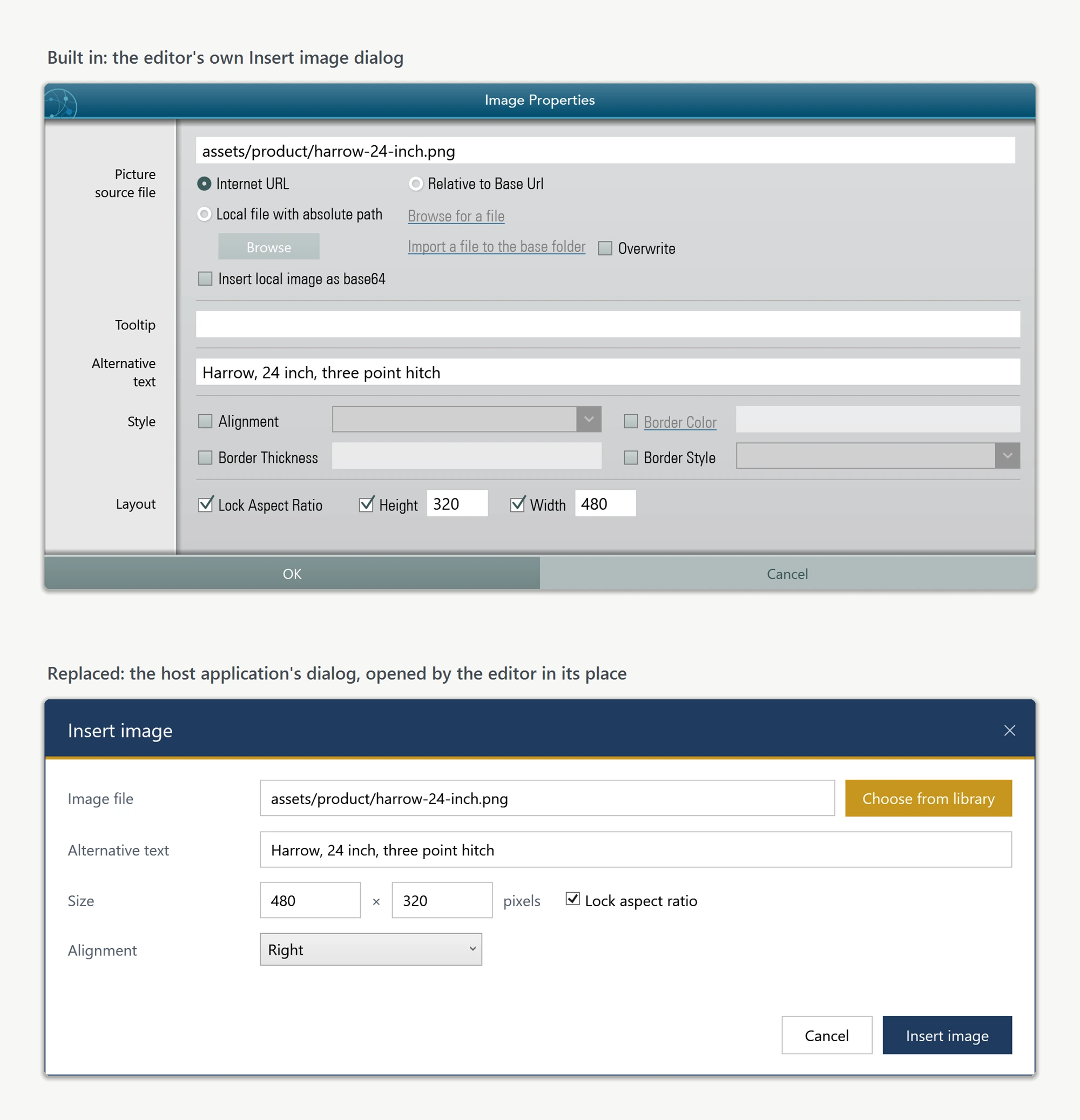
You don't need to rebuild a dialog from scratch. A complete, runnable dialog-customization sample is in our public sample repository: 08-CustomDialog-CS (C#) and 08-CustomDialog-VB (VB.NET). Browse the C# Dialogs folder or the VB.NET Dialogs folder to read the default XAML for every replaceable dialog without downloading anything. Copy the XAML you need into your project and restyle it with your own ResourceDictionary.
Wiring a replacement dialog into the editor takes a single line per dialog. Each dialog has a matching CreateXxxDialogMethod factory delegate on IDialogService. The editor calls your factory whenever it needs that dialog:
using SpiceLogic.HtmlEditor.WPF.Models.Dialogs;

public partial class MainWindow : Window
{
    public MainWindow()
    {
        InitializeComponent();
        editor.Dialog.CreateImageDialogMethod = () => new BrandedImageDialog();
        editor.Dialog.CreateHyperlinkDialogMethod = () => new BrandedHyperlinkDialog();
        editor.Dialog.CreateTableDialogMethod = () => new BrandedTableDialog();
        editor.Dialog.CreateSearchDialogMethod = () => new BrandedSearchDialog();
    }
}
Imports SpiceLogic.HtmlEditor.WPF.Models.Dialogs
Partial Public Class MainWindow
Inherits Window
Public Sub New()
InitializeComponent()
editor.Dialog.CreateImageDialogMethod = Function() New BrandedImageDialog()
editor.Dialog.CreateHyperlinkDialogMethod = Function() New BrandedHyperlinkDialog()
editor.Dialog.CreateTableDialogMethod = Function() New BrandedTableDialog()
editor.Dialog.CreateSearchDialogMethod = Function() New BrandedSearchDialog()
End Sub
End ClassBecause a replacement dialog is based on the default source, it already implements the required interface (for example IImageDialog) and inherits from Window. The editor sets the input properties on the dialog, calls ShowDialog(), and reads the result properties back - exactly the contract the interface defines.
By default, replacement dialogs open center-screen rather than centered over your application. Set OwnerWindow on the dialog service to fix the parenting so every dialog the editor opens centers over your main window:
editor.Dialog.OwnerWindow = this; // "this" is the host Windoweditor.Dialog.OwnerWindow = Me ' "this" is the host Window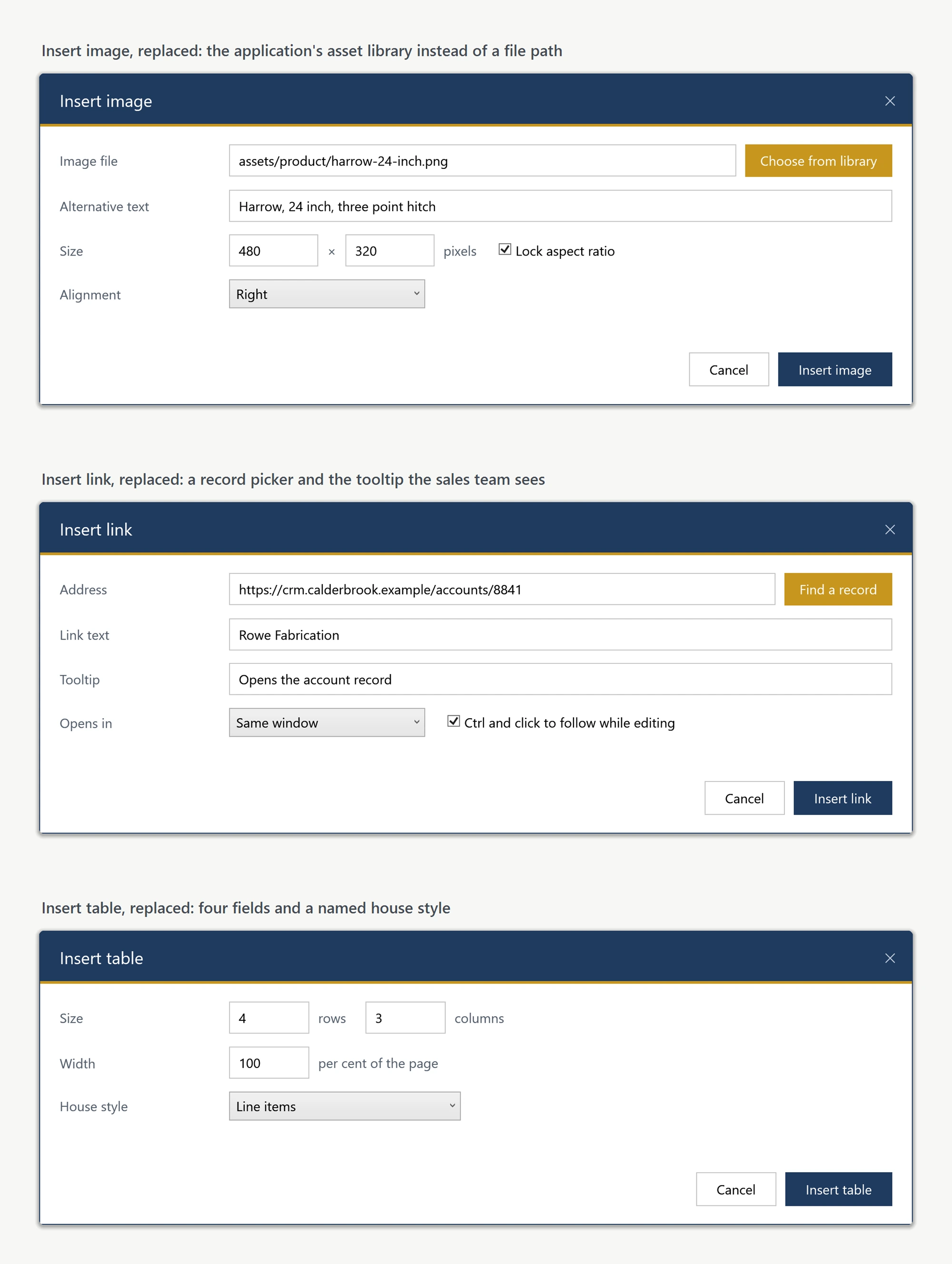
Ask your AI to do this
Connect the SpiceLogic MCP server, then give your coding assistant this prompt.
I use the SpiceLogic WPF HTML Editor. Help me replace the hyperlink dialog with my application dialog while retaining the other built-in dialogs. Confirm the exact API names, types and defaults with the SpiceLogic MCP documentation, then show the changes for my project.