


 NuGet
NuGet
Host the WinForms control in WPF
WindowsFormsHost lets a WPF window display a Windows Forms control, including an existing WinForms HTML Editor. This is useful when reusing a WinForms integration in WPF.
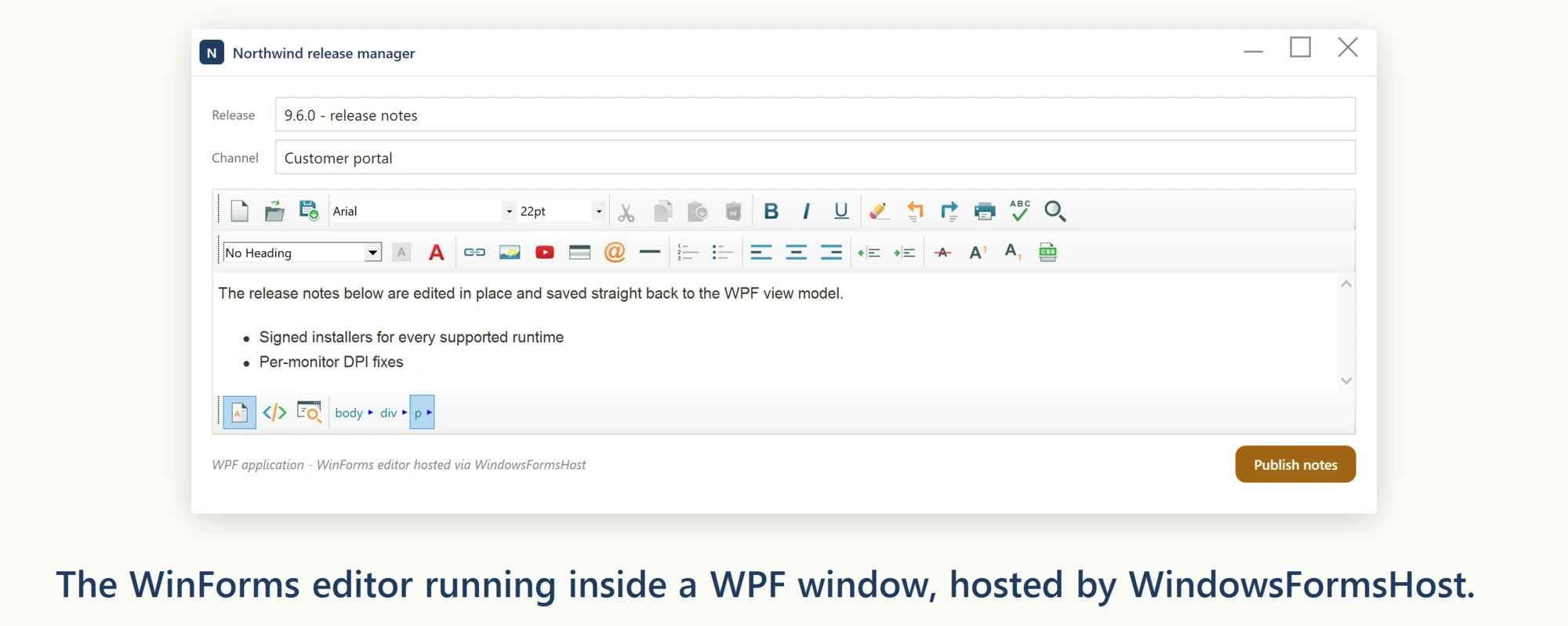
For a new WPF application, we recommend the dedicated WPF HTML Editor Control. It is built natively for WPF and does not require WindowsFormsHost.
The XAML below shows the modern namespace and assembly name. The control type lives in the SpiceLogic.HtmlEditor.WinForms namespace, the UserOption and SpellCheckerOption types live in SpiceLogic.HtmlEditor.WinForms.Models.BOs.UserOptions, and all three ship in the SpiceLogic.HtmlEditor.WinForms assembly:
<Window
    xmlns="http://schemas.microsoft.com/winfx/2006/xaml/presentation"
    xmlns:x="http://schemas.microsoft.com/winfx/2006/xaml"
    xmlns:winForm="clr-namespace:SpiceLogic.HtmlEditor.WinForms;assembly=SpiceLogic.HtmlEditor.WinForms"
    xmlns:userOptions="clr-namespace:SpiceLogic.HtmlEditor.WinForms.Models.BOs.UserOptions;assembly=SpiceLogic.HtmlEditor.WinForms"
    x:Class="SpiceLogic.HtmlEditor.WPFSample.MainWindow"
    Title="MainWindow" Height="600" Width="715" Loaded="Window_Loaded">
    <Window.Resources>
        <winForm:WinFormHtmlEditor x:Key="formHTMLEditor" BodyHtml="Hello World" HtmlChanged="WinFormHtmlEditor_HtmlChanged">
            <winForm:WinFormHtmlEditor.SpellCheckOptions>
                <userOptions:SpellCheckerOption FireInlineSpellCheckingOnKeyStroke="True"/>
            </winForm:WinFormHtmlEditor.SpellCheckOptions>
            <winForm:WinFormHtmlEditor.Options>
                <userOptions:UserOption EnterKeyResponse="LineBreak" />
            </winForm:WinFormHtmlEditor.Options>
        </winForm:WinFormHtmlEditor>
    </Window.Resources>
    <StackPanel Orientation="Vertical">
        <Label Margin="20 0" Content="WinForms HTML Editor inside a WPF DockPanel" HorizontalAlignment="Left" VerticalAlignment="Top"/>
        <DockPanel Margin="20" Background="#9FBAAE" Visibility="Visible" HorizontalAlignment="Stretch">
            <WindowsFormsHost Height="400" Child="{StaticResource formHTMLEditor}" />
        </DockPanel>
        <Label Margin="10" x:Name="lblStatus" Content="Status" HorizontalAlignment="Left" VerticalAlignment="Top"/>
        <Button Margin="10" Padding="4" Content="Set BodyHtml" HorizontalAlignment="Left" VerticalAlignment="Top" Width="85" Click="btnBodyHtmlSetter_Click"/>
    </StackPanel>
</Window>
In the Window Loaded event, call Focus() on the toolbar combo boxes so they do not retain the design-time pre-selection:
private void Window_Loaded(object sender, System.Windows.RoutedEventArgs e)
{
    // formHTMLEditor lives in Window.Resources (x:Key), which does not generate a code-behind field -- resolve it from the resource dictionary once.
    var formHTMLEditor = (SpiceLogic.HtmlEditor.WinForms.WinFormHtmlEditor)this.Resources["formHTMLEditor"];
    formHTMLEditor.ToolbarItemOverrider.ToolbarItems.FontName.Focus();
    formHTMLEditor.ToolbarItemOverrider.ToolbarItems.FontSize.Focus();
    formHTMLEditor.ToolbarItemOverrider.ToolbarItems.TitleInsert.Focus();
    formHTMLEditor.Focus();
}
Private Sub Window_Loaded(sender As Object, e As System.Windows.RoutedEventArgs)
' formHTMLEditor lives in Window.Resources (x:Key), which does not generate a code-behind field -- resolve it from the resource dictionary once.
Dim formHTMLEditor = CType(Me.Resources("formHTMLEditor"), SpiceLogic.HtmlEditor.WinForms.WinFormHtmlEditor)
formHTMLEditor.ToolbarItemOverrider.ToolbarItems.FontName.Focus()
formHTMLEditor.ToolbarItemOverrider.ToolbarItems.FontSize.Focus()
formHTMLEditor.ToolbarItemOverrider.ToolbarItems.TitleInsert.Focus()
formHTMLEditor.Focus()
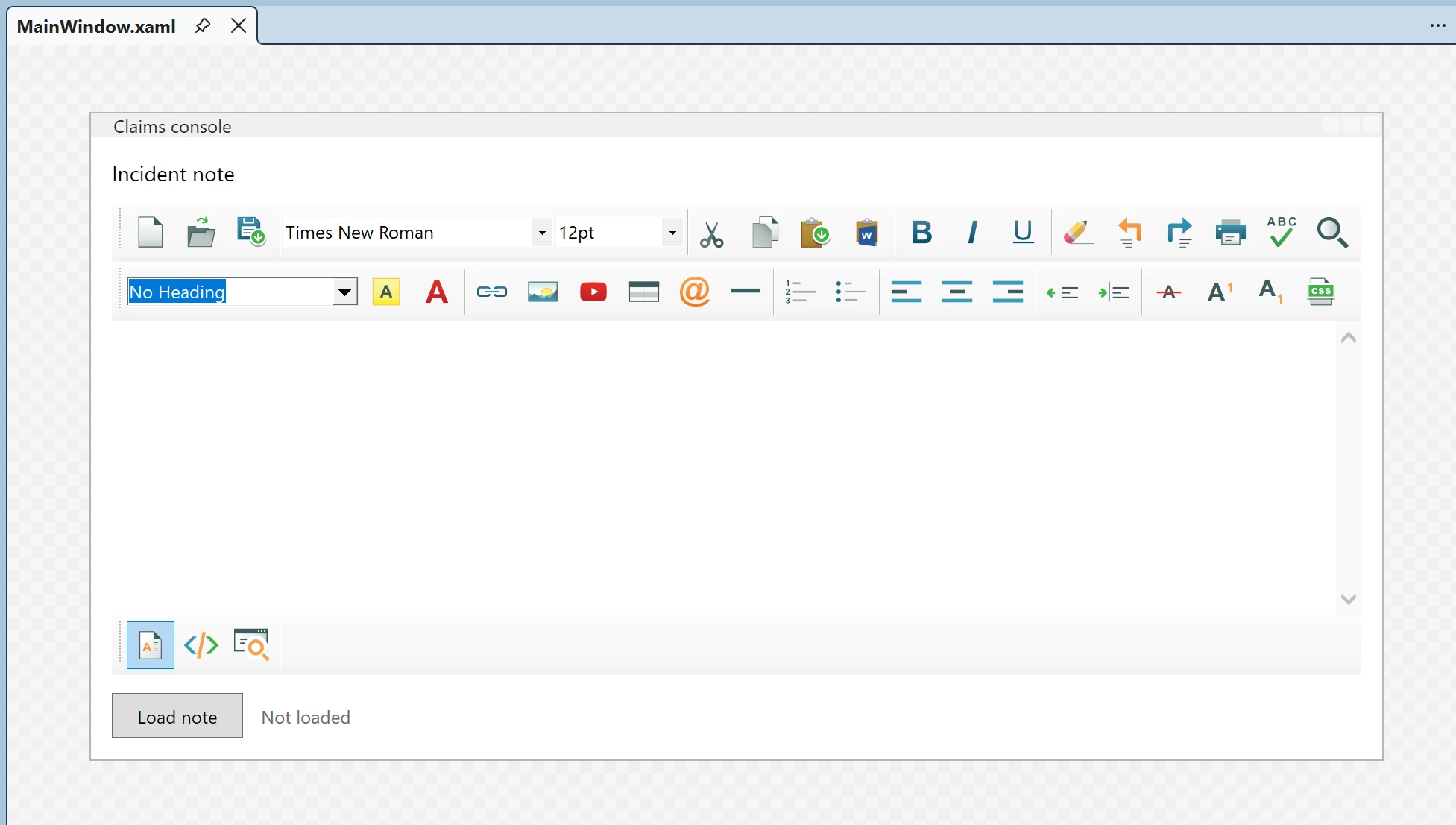
End SubOnce you use the provided XAML, the designer will show the editor as follows:
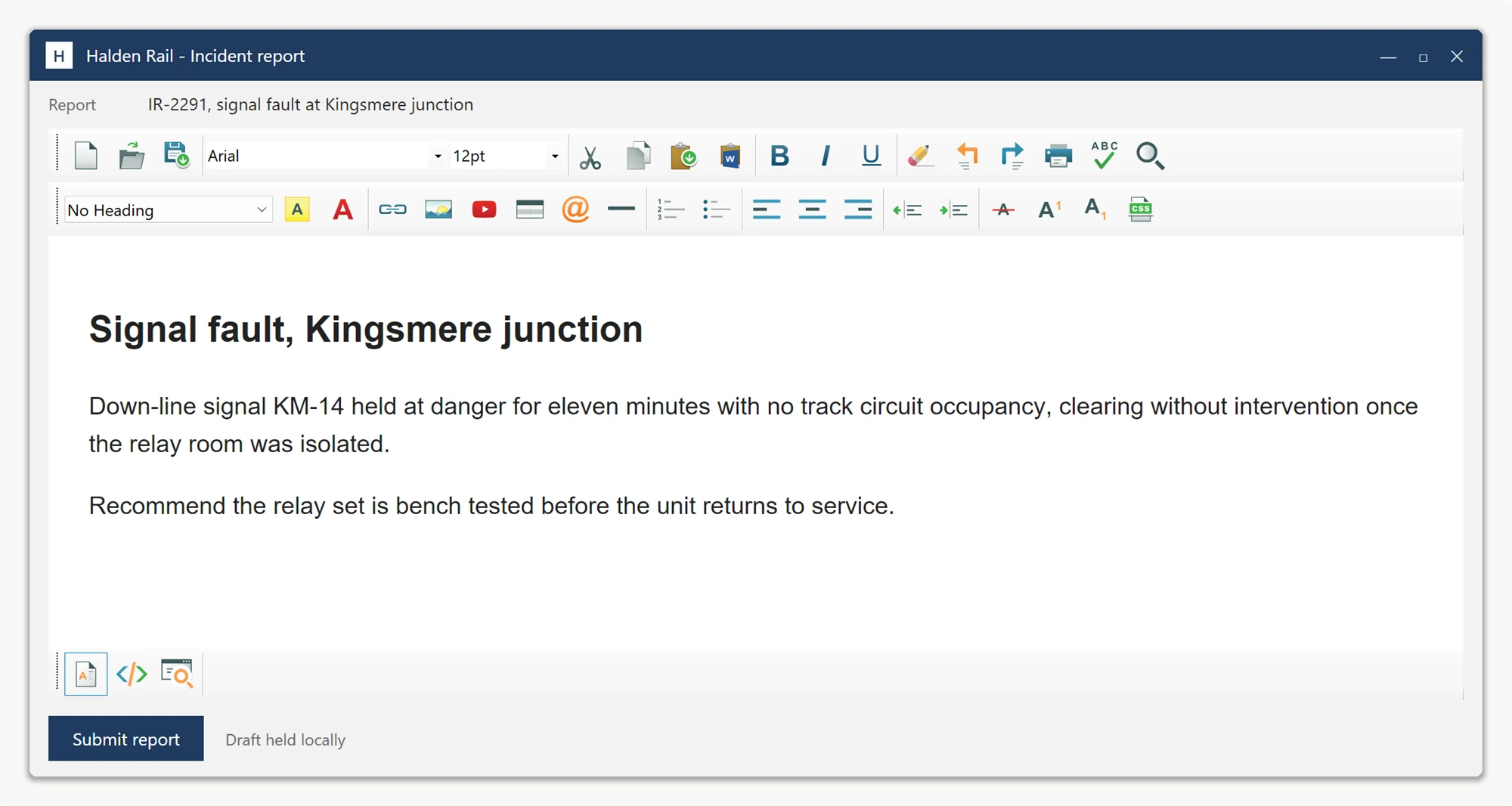
and when you run the application, it will look like this:
Ask your AI to do this
Connect the SpiceLogic MCP server, then give your coding assistant this prompt.
I use the SpiceLogic WinForms HTML Editor. Help me host the WinForms editor in a WPF window and explain the interop limitations. Confirm the exact API names, types and defaults with the SpiceLogic MCP documentation, then show the changes for my project.