


 NuGet
NuGet
Insert HTML at the caret
HTML insertion lets users add prepared content, such as a signature, a standard clause or a formatted block, at the current caret. Call Content.InsertHtml with the fragment to insert. Its keepSelected argument controls whether the new content stays selected.
The command can sit anywhere in your own UI - an ordinary button on your form, a menu item, or a custom button you add to the editor's built-in toolbar. Toolbar buttons are added in code rather than through the Visual Studio designer: Toolbar1 and its buttons are exposed as read-only accessors and are deliberately not serialized into InitializeComponent, so that the control owns its own toolbar layout. Add a custom button to the built-in toolbar shows that in full.
The examples below assume the editor instance is named winFormHtmlEditor1 and the button is named btnInsert.
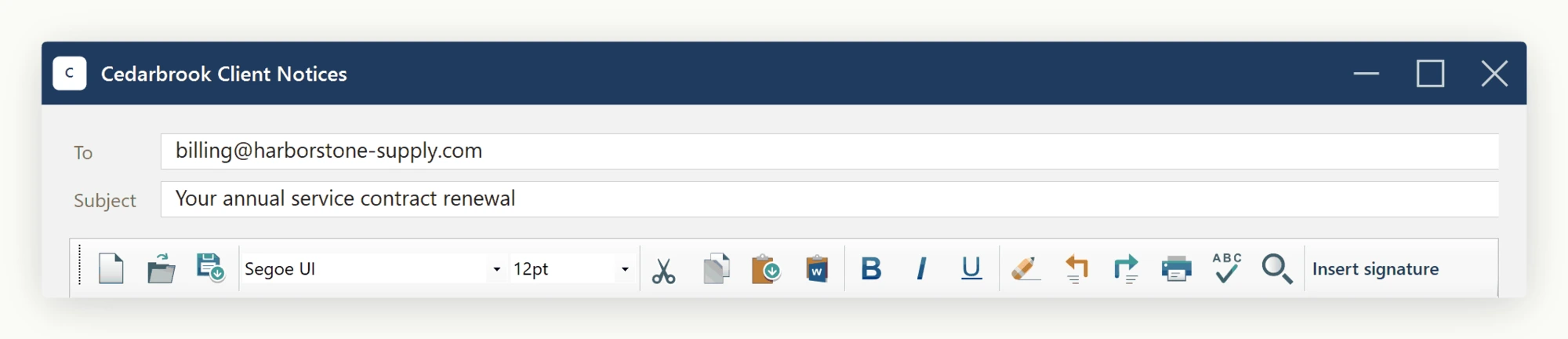
Wire that button's Click event to a handler - btnInsert_Click here - the same way you would wire any other button in your application. Your handler runs on the click, so anything it does to the editor happens against the live document:
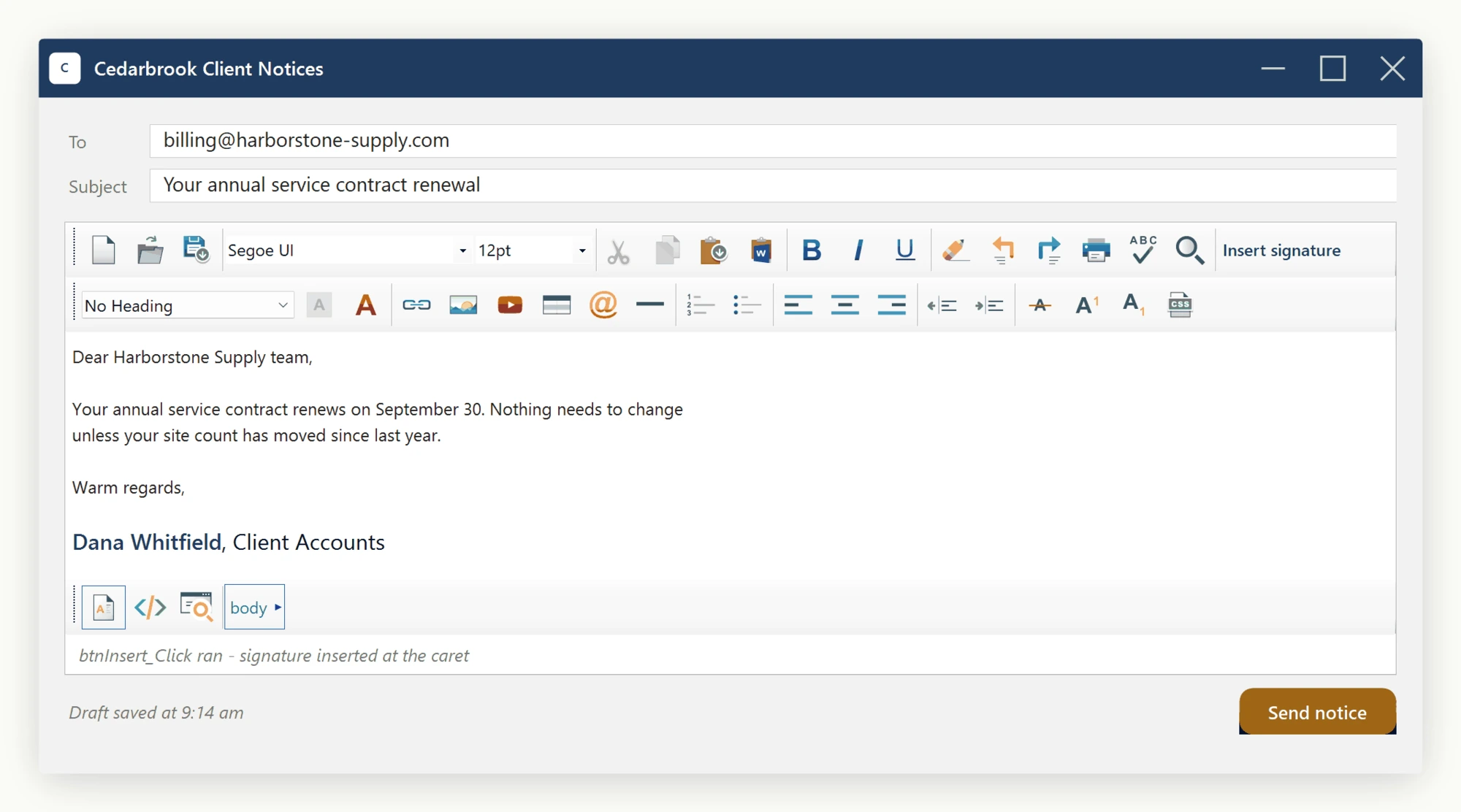
Now, within that click event handler, you can write code like this:
private void btnInsert_Click(object sender, EventArgs e)
{
    winFormHtmlEditor1.Content.InsertHtml("<span style='color:red;'>Sep 30</span> <span style='color:blue;'>renewal</span>", keepSelected: true);
}
Private Sub btnInsert_Click(sender As Object, e As EventArgs)
winFormHtmlEditor1.Content.InsertHtml("<span style='color:red;'>Sep 30</span> <span style='color:blue;'>renewal</span>", keepSelected:=True)
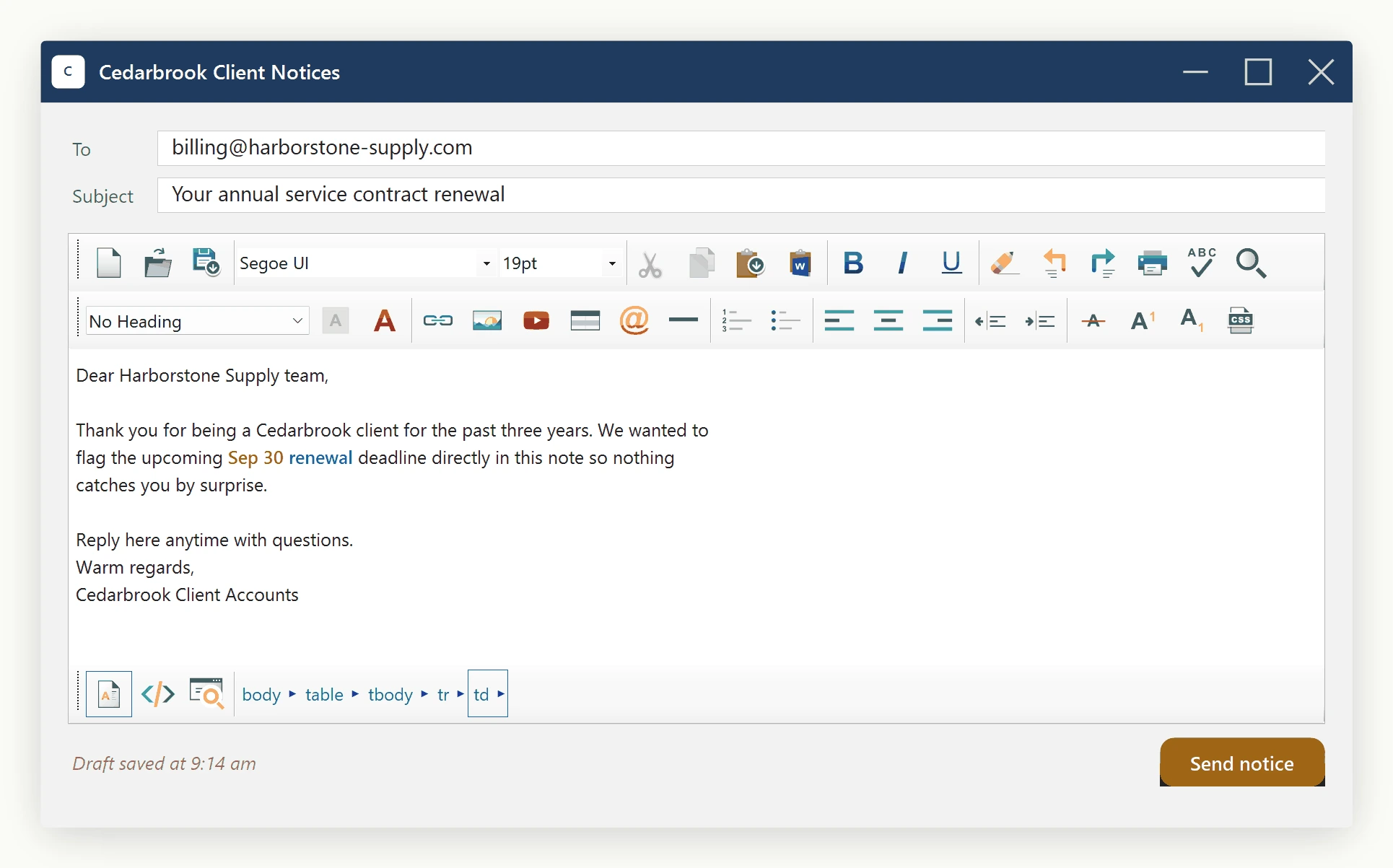
End SubNow, you can run the application. Say your document contains a client notice, and your caret is positioned immediately before the word 'deadline'.
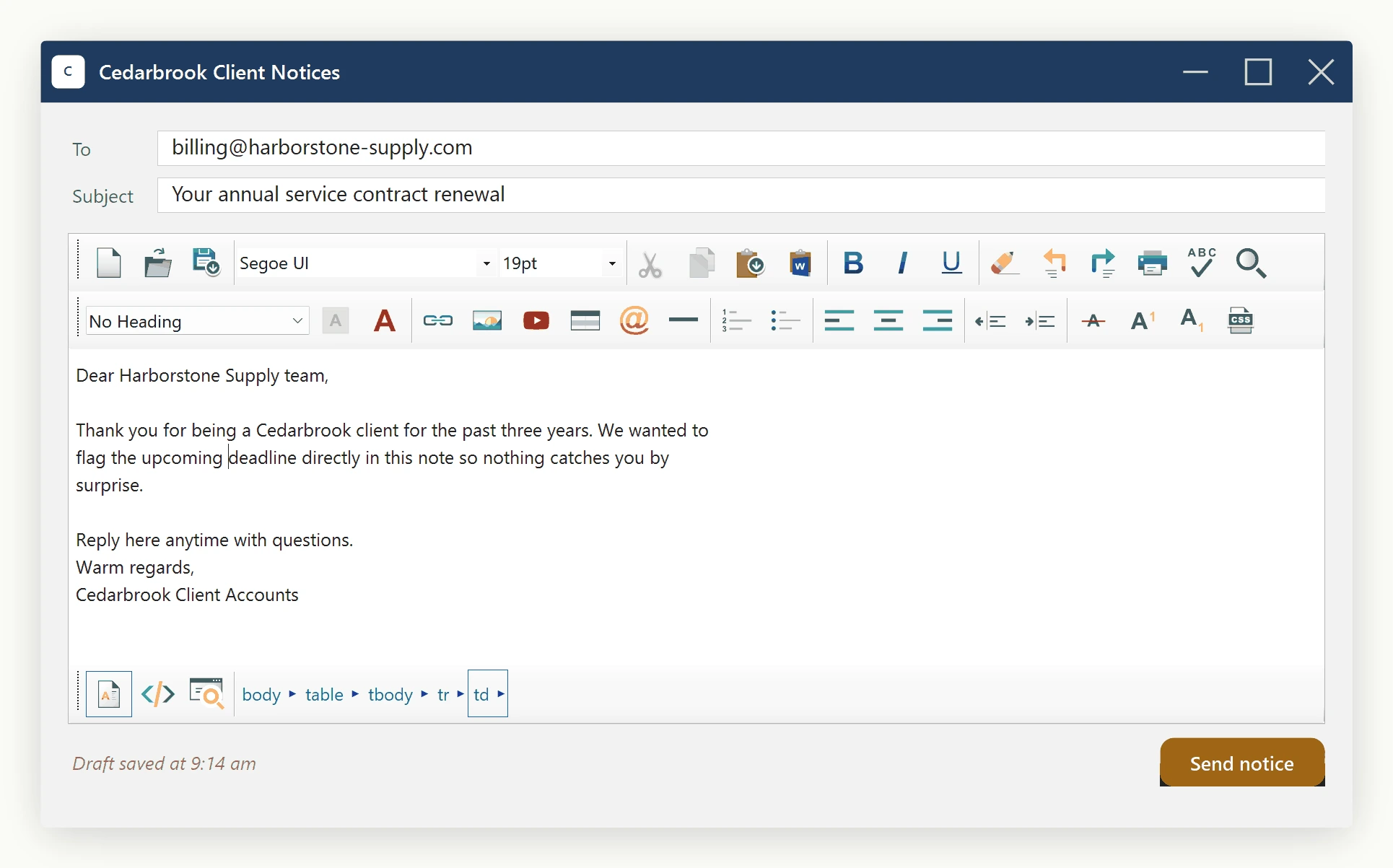
Clicking the button runs that handler, and the snippet lands at the caret:
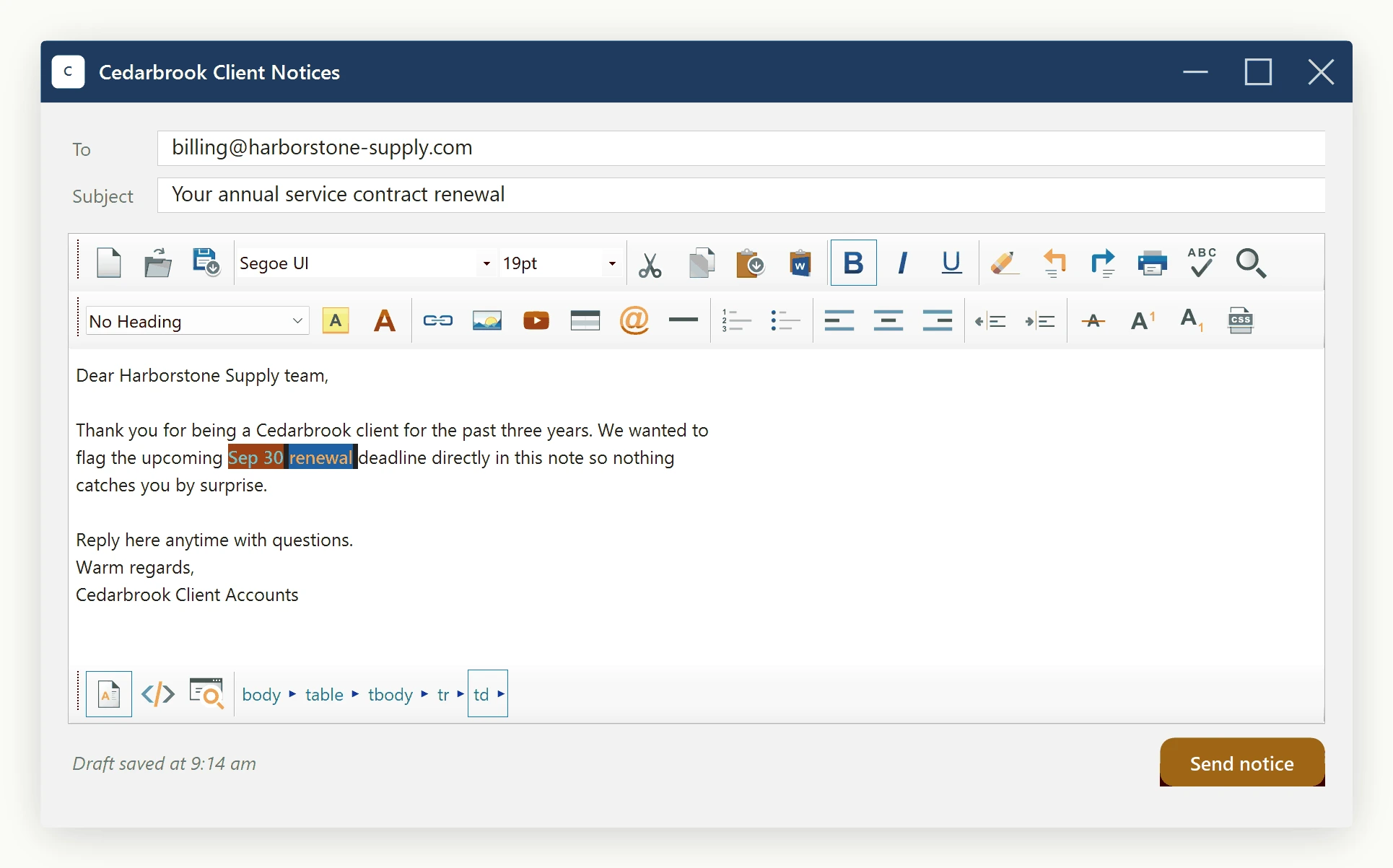
You see that the inserted snippet is highlighted. That is because we passed the second argument of the method "keepSelected = true". If you pass that argument as false, then the inserted snippet will not be highlighted upon insertion. Anyway, once you deselect that part, you will see the snippet as follows:
Ask your AI to do this
Connect the SpiceLogic MCP server, then give your coding assistant this prompt.
I use the SpiceLogic WinForms HTML Editor. Help me insert an HTML fragment at the current caret without replacing the document. Confirm the exact API names, types and defaults with the SpiceLogic MCP documentation, then show the changes for my project.