


 NuGet
NuGet
Pre Process Message Event
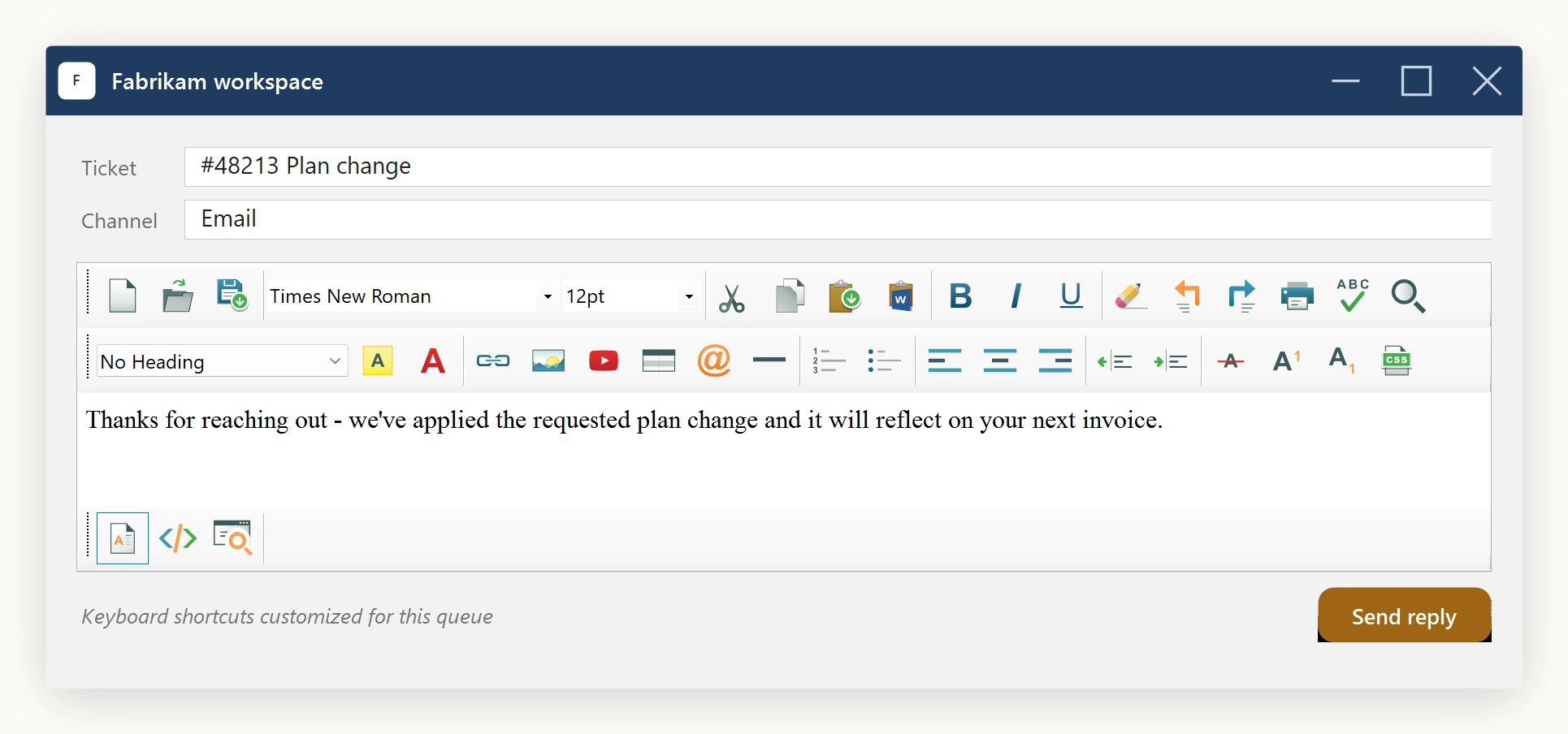
If you want to override editor keyboard shortcuts, use the KeyBindings property - that is the modern, supported way. The editor exposes a KeyBindingsManager instance on every control via editor.KeyBindings that lets you bind, rebind, override, disable, or re-enable any of the editor's built-in actions without writing low-level Win32 message handling.
The manager exposes these public methods:
| Bind(action, combo) | Maps a KeyBindingCombo to an EditorActionId. Throws if the combo is already bound to a different action. |
| Unbind(action) | Removes the current combo for an action (no-op if unbound). |
| GetBinding(action) | Returns the currently bound combo, or null. |
| AllBindings | Read-only snapshot of every action → combo pair currently registered. |
| Override(action, handler) | Replaces the editor's default behaviour for an action with your own Action delegate. Pass null to clear. |
| Disable(action) | Suppresses both default routing and any override; the keystroke is consumed silently. |
| Enable(action) | Reverses a previous Disable. |
| IsDisabled(action) | Returns true if the action has been disabled. |
A KeyBindingCombo is constructed from four arguments: ctrl, alt, shift (each a bool) and virtualKeyCode (an int Win32 VK code). WinForms callers can cast System.Windows.Forms.Keys directly to int.
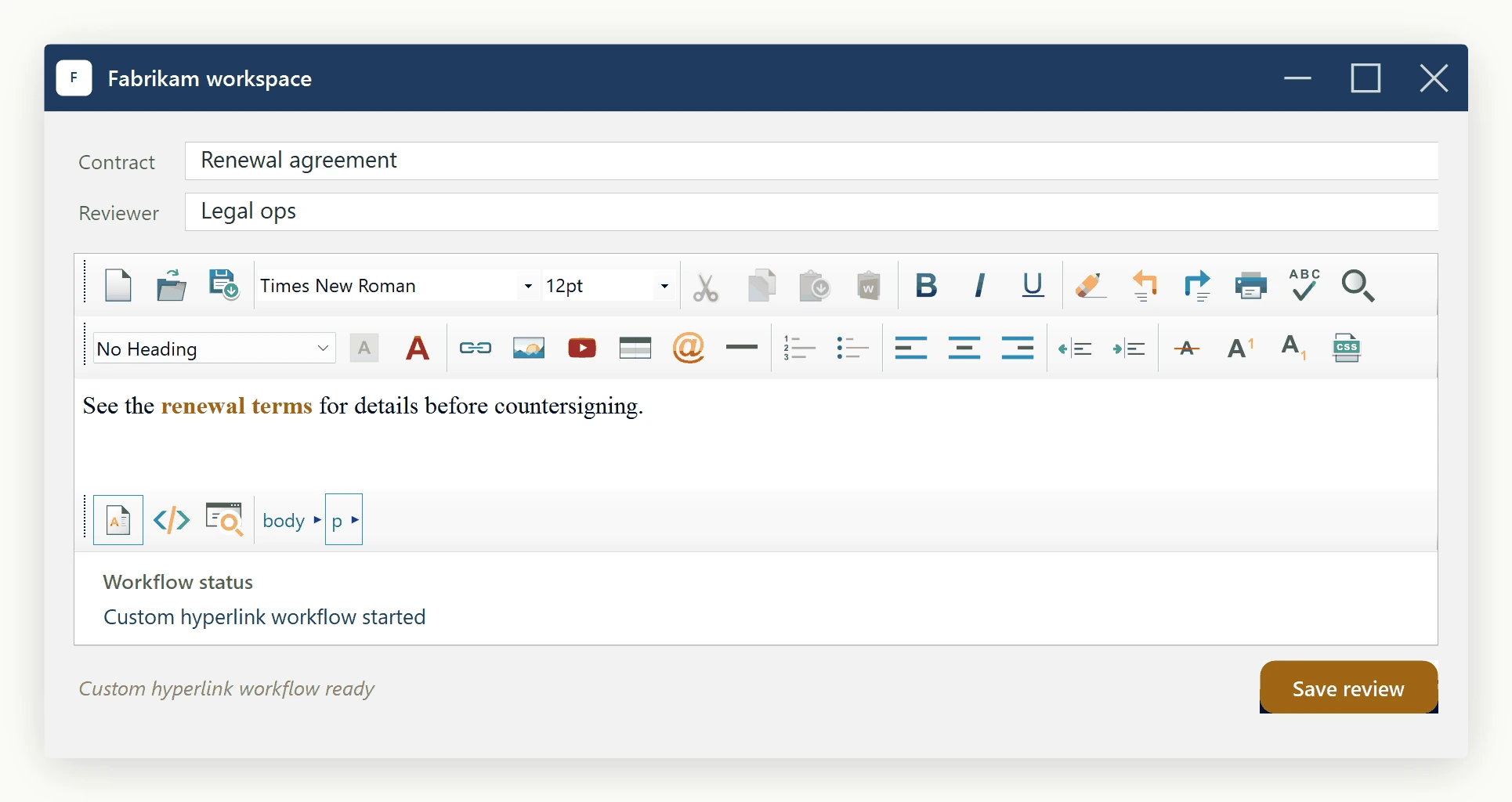
Sample - rebind, disable, and add a combo
using SpiceLogic.HtmlEditor.Abstractions.KeyBindings;
using System.Windows.Forms;

// 1) Rebind Ctrl+B from Bold to "Save". First detach the action that
//    currently owns Ctrl+B (if any), then bind Save to the freed combo.
editor.KeyBindings.Unbind(EditorActionId.Bold);
editor.KeyBindings.Bind(EditorActionId.Save, new KeyBindingCombo(ctrl: true, alt: false, shift: false, virtualKeyCode: (int)Keys.B));
// 2) Disable Ctrl+O (Open). The keystroke will be swallowed silently
//    instead of opening the default Open File dialog.
editor.KeyBindings.Bind(EditorActionId.Open, new KeyBindingCombo(ctrl: true, alt: false, shift: false, virtualKeyCode: (int)Keys.O));
editor.KeyBindings.Disable(EditorActionId.Open);
// 3) Add a brand-new combo: Ctrl+Shift+H -> insert a hyperlink, but
//    route through your own handler instead of the default dialog.
editor.KeyBindings.Bind(EditorActionId.HyperLinkInsert, new KeyBindingCombo(ctrl: true, alt: false, shift: true, virtualKeyCode: (int)Keys.H));
editor.KeyBindings.Override(EditorActionId.HyperLinkInsert, () =>
{
    MessageBox.Show("Custom hyperlink workflow goes here.");
});
Imports SpiceLogic.HtmlEditor.Abstractions.KeyBindings
Imports System.Windows.Forms
' 1) Rebind Ctrl+B from Bold to "Save". First detach the action that
' currently owns Ctrl+B (if any), then bind Save to the freed combo.
editor.KeyBindings.Unbind(EditorActionId.Bold)
editor.KeyBindings.Bind(EditorActionId.Save, New KeyBindingCombo(ctrl:=True, alt:=False, shift:=False, virtualKeyCode:=CInt(Keys.B)))
' 2) Disable Ctrl+O (Open). The keystroke will be swallowed silently
' instead of opening the default Open File dialog.
editor.KeyBindings.Bind(EditorActionId.Open, New KeyBindingCombo(ctrl:=True, alt:=False, shift:=False, virtualKeyCode:=CInt(Keys.O)))
editor.KeyBindings.Disable(EditorActionId.Open)
' 3) Add a brand-new combo: Ctrl+Shift+H -> insert a hyperlink, but
' route through your own handler instead of the default dialog.
editor.KeyBindings.Bind(EditorActionId.HyperLinkInsert, New KeyBindingCombo(ctrl:=True, alt:=False, shift:=True, virtualKeyCode:=CInt(Keys.H)))
editor.KeyBindings.Override(EditorActionId.HyperLinkInsert, Sub() MessageBox.Show("Custom hyperlink workflow goes here."))Every action you can bind. Names mirror the toolbar items they correspond to.
| New, Open, Save | Document lifecycle. |
| Cut, Copy, Paste, PasteFromMsWord, Print | Clipboard and printing. |
| Undo, Redo | Undo stack. |
| Bold, Italic, Underline, Subscript, Superscript, StrikeThrough | Inline character formatting. |
| Search, SpellCheck, FormatReset, BodyStyle | Find/replace, spell-check, clear-formatting, body style dialog. |
| HorizontalRule, OrderedList, UnOrderedList | Block-level inserts and lists. |
| AlignLeft, AlignCenter, AlignRight | Paragraph alignment. |
| Outdent, Indent | Paragraph indent. |
| TableInsert, ImageInsert, HyperLinkInsert, SymbolInsert, YouTubeVideoInsert | Element insert dialogs. |
| TextHighlightColor, FontForeColor | Colour pickers. |
Two combos are pre-bound on construction: Search → Ctrl+F (replaces IE's built-in Find dialog) and Paste → Ctrl+V (replaces IE's paste, which doubles style spans). Everything else is bind-able but unbound by default - browser/MSHTML shortcuts like Ctrl+B/I/U/Z/Y/A/C/X/P execute natively for performance.
Legacy - the PreProcessMessageEvent escape hatch
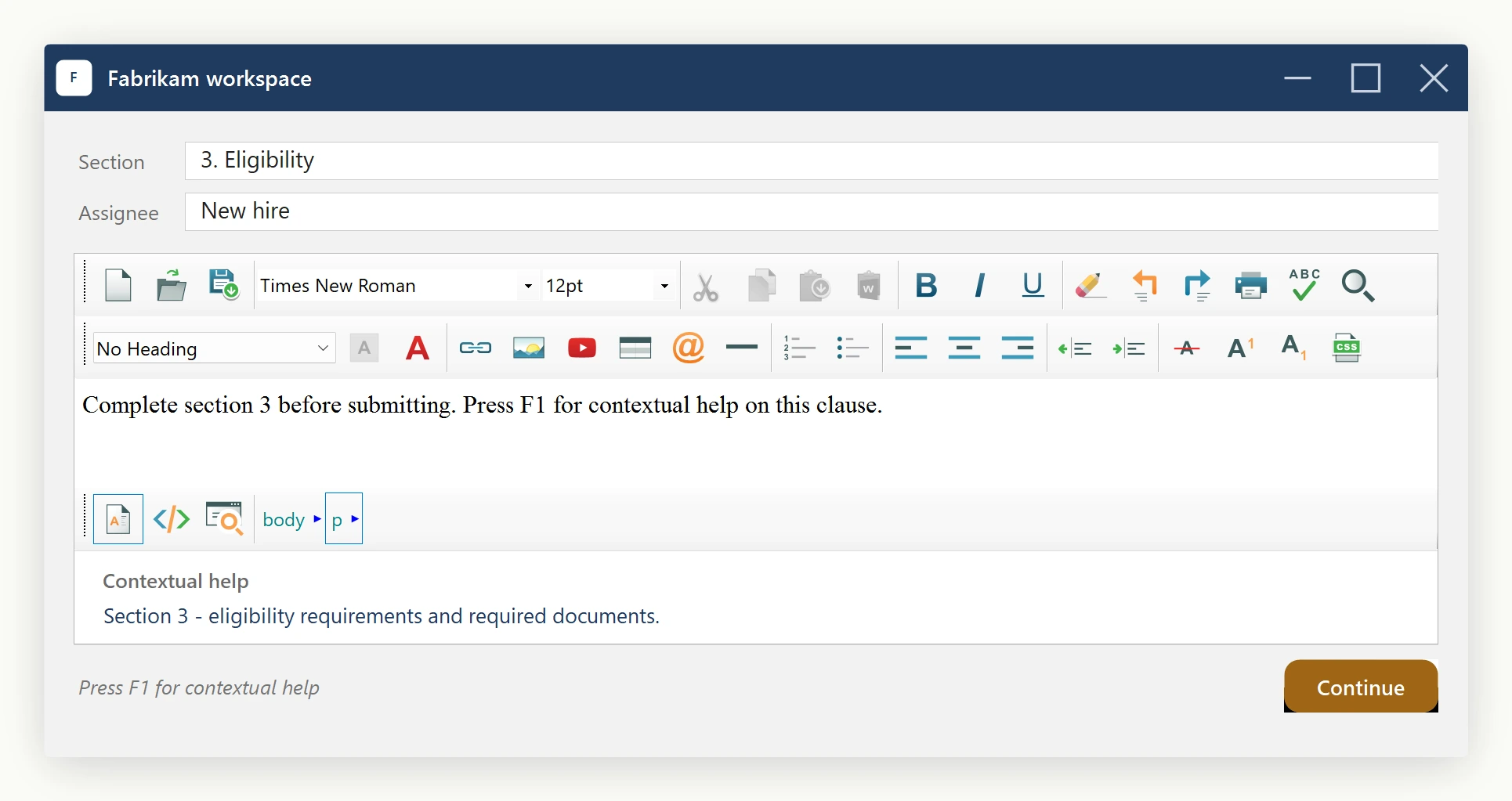
For low-level Win32 WM_KEYDOWN interception that KeyBindings does not cover (for example, intercepting non-character keys or peeking at raw message lParam bits), the editor still raises the PreProcessMessageEvent. This is an advanced hook - prefer KeyBindings whenever it suffices.
private const int WM_KEYDOWN = 0x100;
private const int VK_F1 = 0x70;
private void Editor_PreProcessMessageEvent(object sender, EditorPreProcessMessageEventArgs e)
{
    // Intercept F1 inside the editor surface and show custom help.
    if (e.Message.Msg == WM_KEYDOWN && e.Message.WParam.ToInt32() == VK_F1)
    {
        ShowMyHelpDialog();
        e.Cancel = true; // swallow the keystroke
    }
}
Private Const WM_KEYDOWN As Integer = &H100
Private Const VK_F1 As Integer = &H70
Private Sub Editor_PreProcessMessageEvent(sender As Object, e As EditorPreProcessMessageEventArgs)
' Intercept F1 inside the editor surface and show custom help.
If e.Message.Msg = WM_KEYDOWN AndAlso e.Message.WParam.ToInt32() = VK_F1 Then
ShowMyHelpDialog()
e.Cancel = True ' swallow the keystroke
End If
End SubWire it up the usual way (editor.PreProcessMessageEvent += Editor_PreProcessMessageEvent;). Set e.Cancel = true to suppress the default routing; leave it false to let the editor - and then KeyBindings - continue handling the message.
Ask your AI to do this
Let your assistant do this for you. With the SpiceLogic MCP server connected, paste this into Claude Code, Cursor, or VS Code Copilot in agent mode.
Using the SpiceLogic WinForms HTML Editor already referenced in my project, use the KeyBindingsManager exposed at editor.KeyBindings to rebind image insertion to Ctrl+Shift+L and to disable printing entirely so Ctrl+P does nothing in my document editor form. Build the KeyBindingCombo with the right ctrl, alt, shift, and virtual key code arguments, and confirm the existing Ctrl+F search shortcut still works afterward. Look up the real EditorActionId names and KeyBindingsManager methods with the SpiceLogic MCP tools before writing any code.