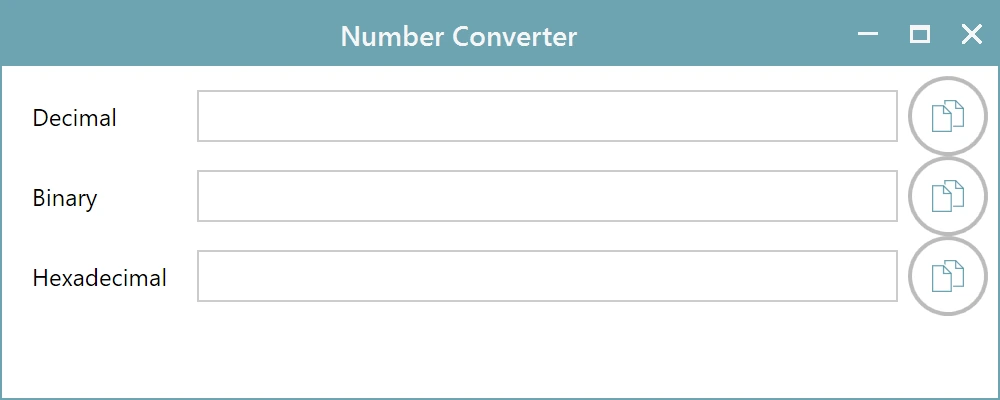
Number Converter
Working with a microcontroller means switching between hexadecimal, binary and decimal all day. The app has a small converter built in so you do not have to open a calculator to answer a question you will forget thirty seconds later.
Open the Tools tab on the ribbon and click Number Converter.
How it works
The window has three boxes: Decimal, Binary and Hexadecimal. Type a value into any one of them and the other two follow. There is no convert button and no direction to choose, because whichever box you are typing in is the input.
Each box has a copy button beside it, so you can lift the value you need straight into your code or your notes without selecting text by hand.
When it earns its place
A few examples from ordinary work with this tool:
- You are reading a bit pattern in the Code Data in Binary column and want the hex value to search for.
- You are setting up a register mask and would rather think in binary but write in hex.
- You are checking an address by hand and need the decimal offset between two hex addresses.
- You are working out a checksum manually and want to confirm your arithmetic.
The converter stays open while you use the rest of the app, so you can leave it to one side and keep working.